AI creation
Batch Generate Text with any AI
Bulk AI writing for Windows with reusable personas, sample analysis, CSV topic lists, multiple providers, and local Markdown or text outputs.
Make a background-music track for the video, podcast, product demo, or focus session in front of you.
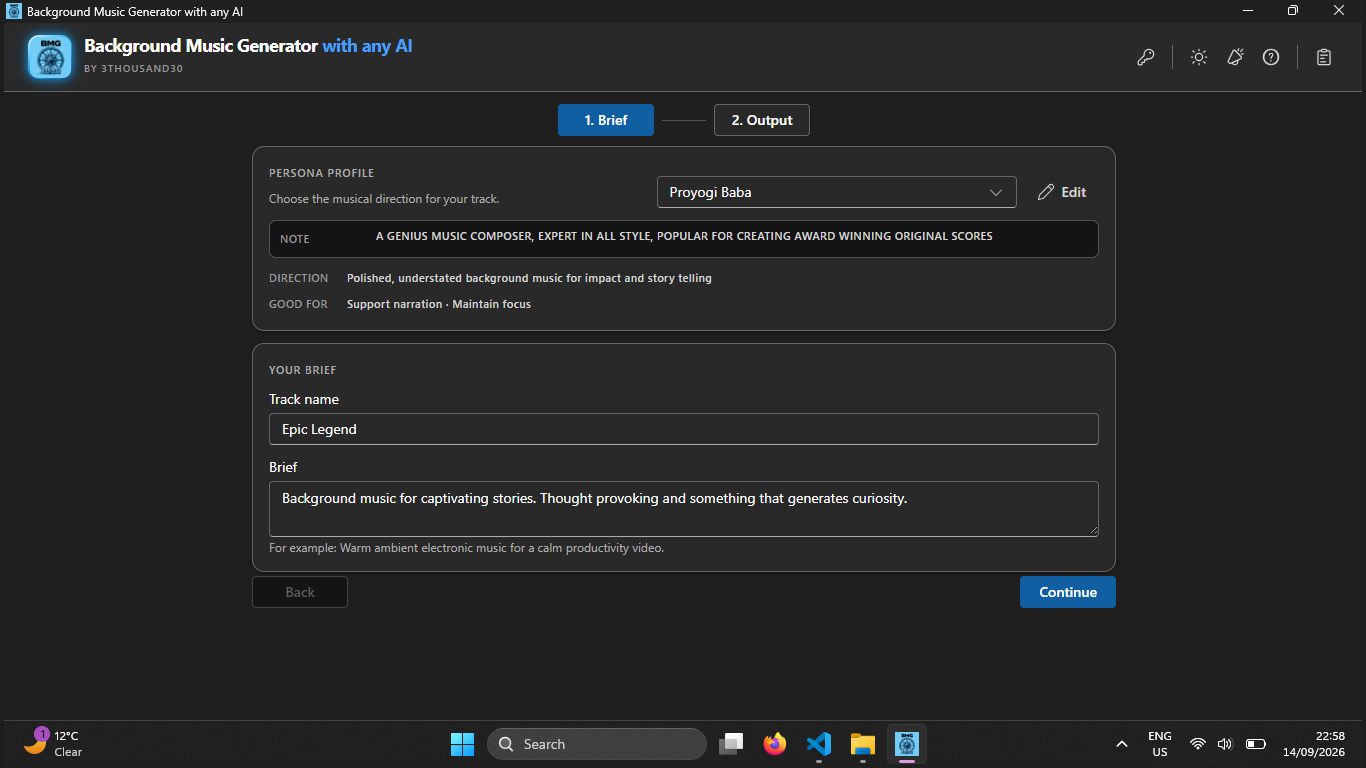
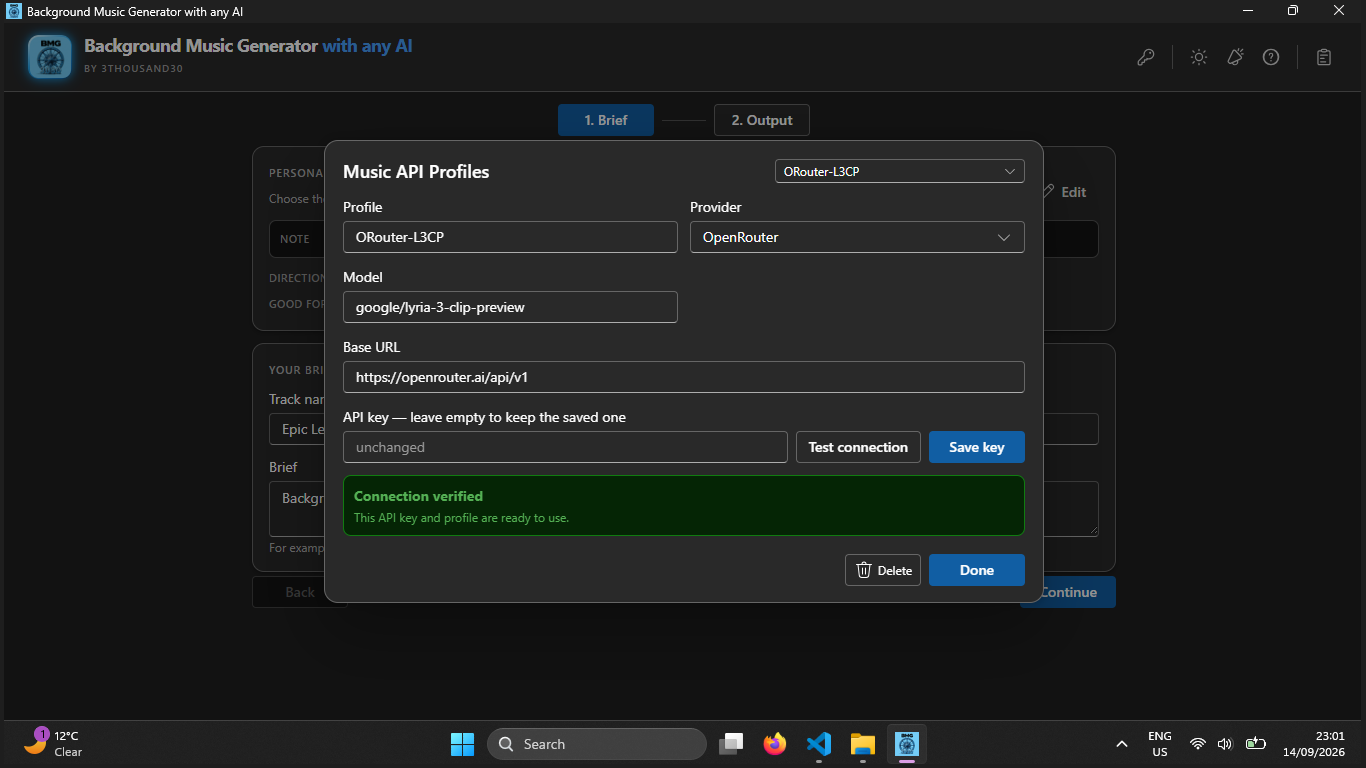
Background Music Generator with any AI keeps music creation focused on the project at hand. Choose the provider and model, start from a reusable direction for the job, shape the track, listen in the app, and keep the result on your PC.
what_it_does
Make one background-music track for a video, podcast, product demo, documentary, or focus session
Save named Music API Profiles for the providers and models you use
Reuse music personas to keep a familiar direction across recurring work
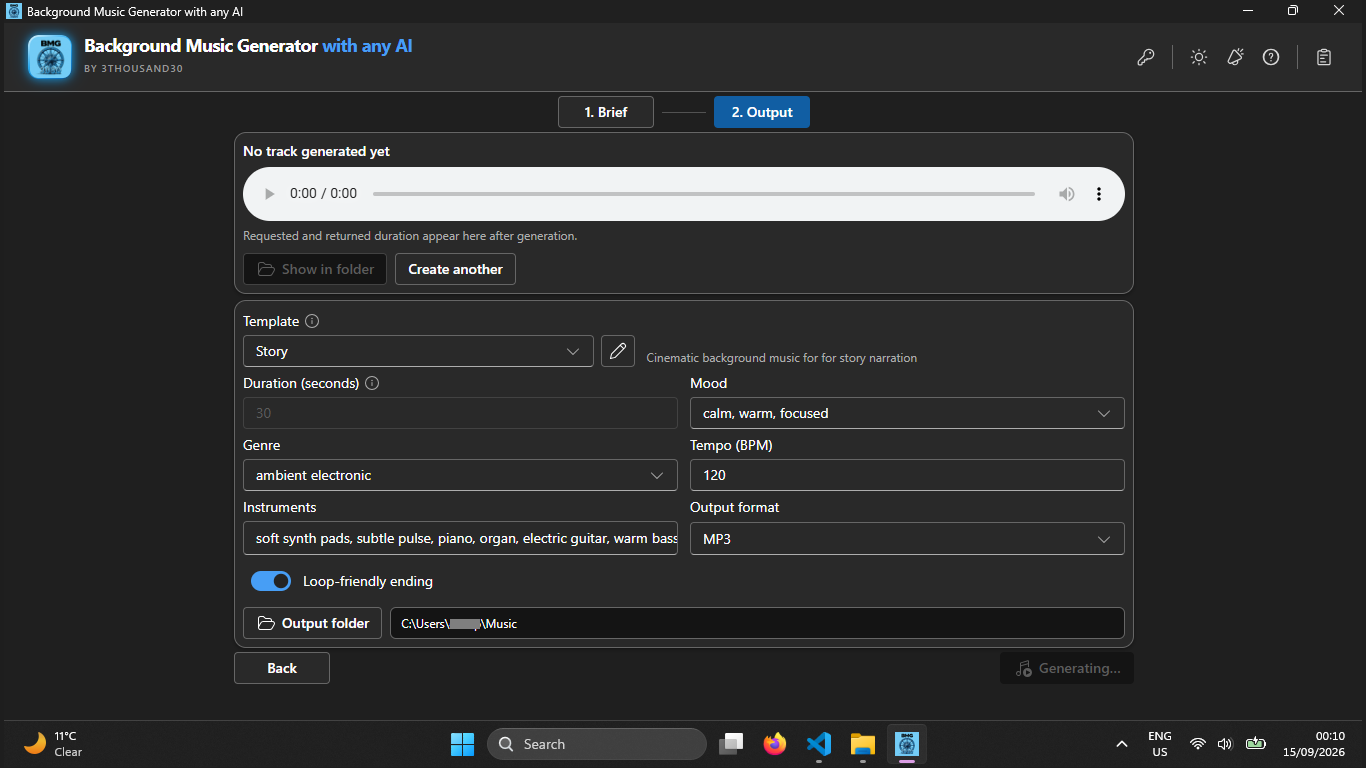
Start from editable templates for product demos, podcast intros, documentaries, focus content, and creator videos
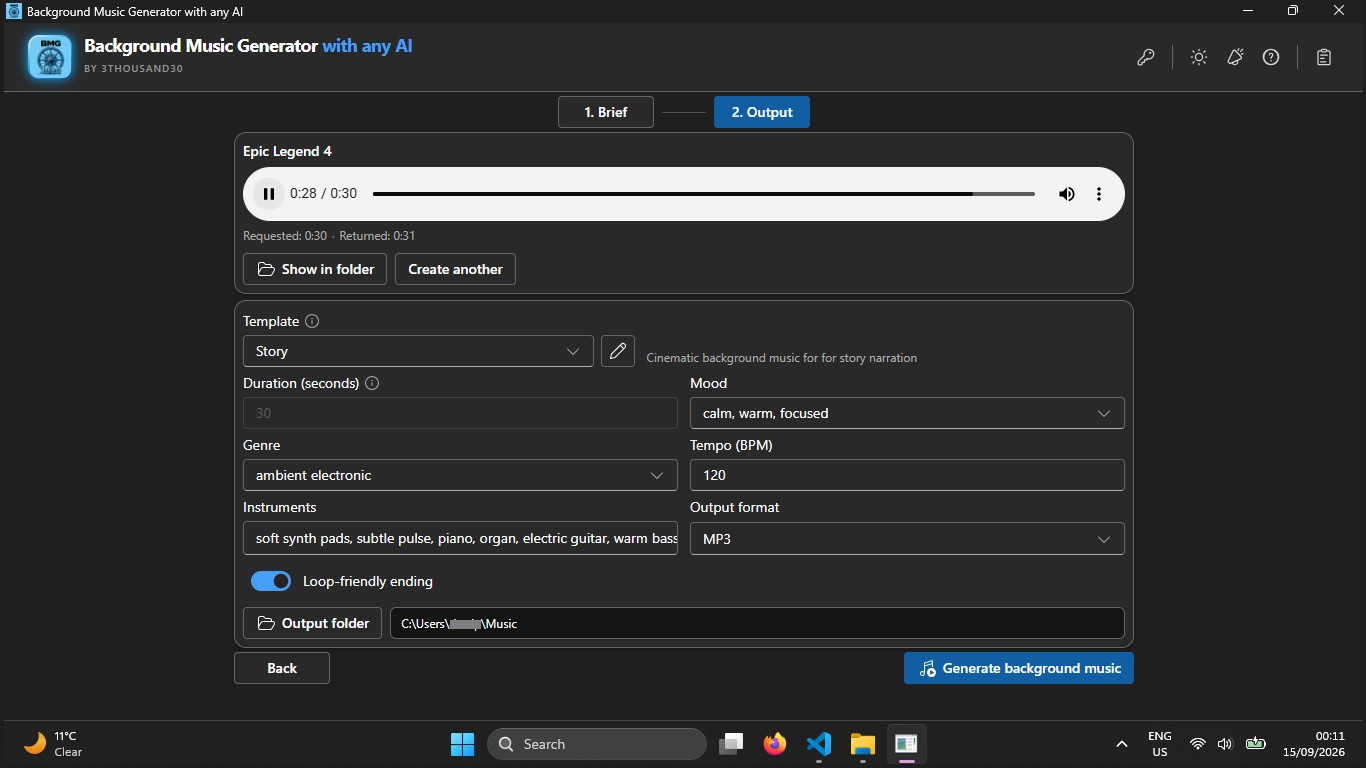
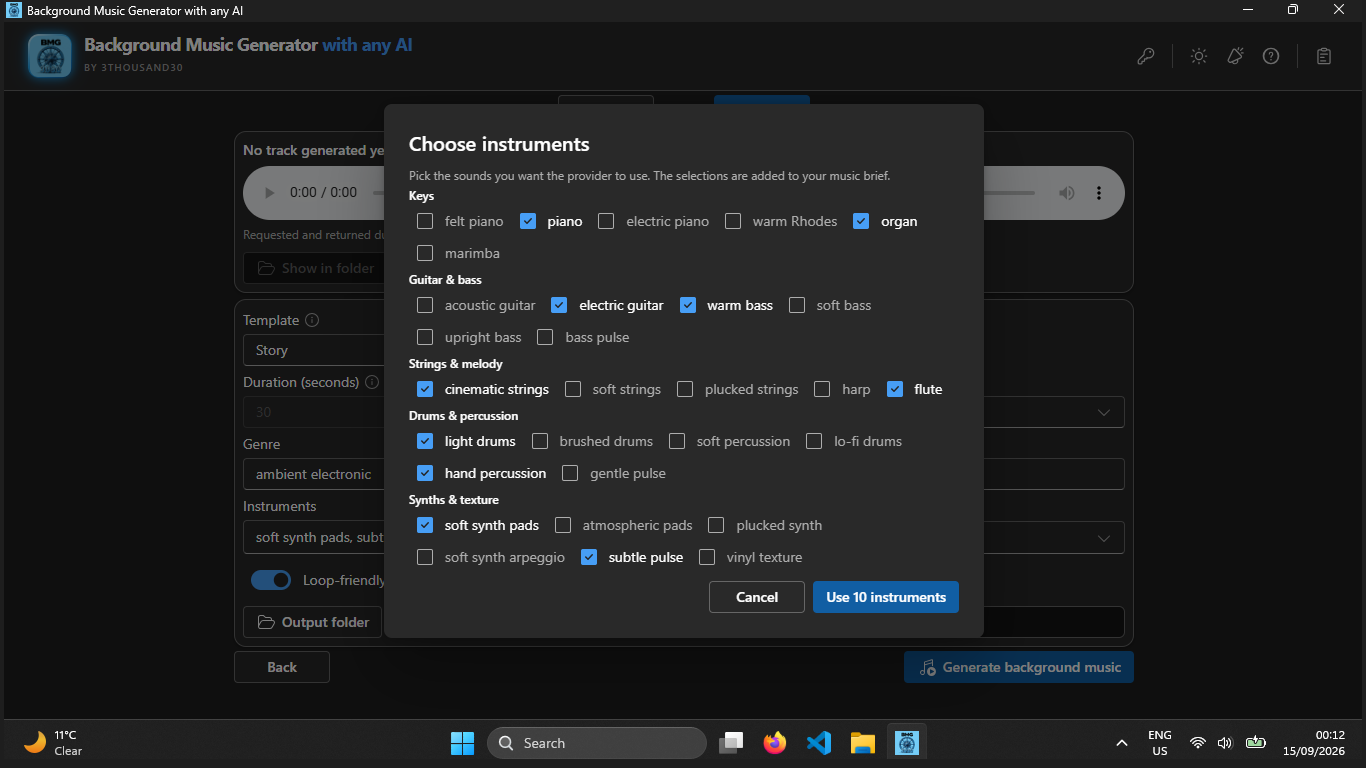
Set duration, mood, genre, tempo, instruments, loop ending, format, and output folder
Listen to the returned track in the app, then open its local folder
who_it_is_for
privacy_and_control
Your chosen provider receives the music-generation request. API keys are encrypted locally for your Windows account, and generated tracks are saved to your PC rather than a 3thousand30 cloud.
faq
No. You bring your own provider key, choose the model, and pay the provider directly.
Yes. When a provider returns a playable track, you can listen to it in the app and open the local output folder.
Tracks are saved locally in the folder you choose. The default location is your Windows Music folder.
ready_when_you_are
US Store price: $14.99 (-25%), normally $19.99. Regional pricing may differ.
related_products
AI creation
Bulk AI writing for Windows with reusable personas, sample analysis, CSV topic lists, multiple providers, and local Markdown or text outputs.
AI creation
Bulk AI image generation on Windows with your own provider, reusable visual personas, styles, reference images, captions, and local outputs.
AI translation
Batch-translate PDF, DOCX, TXT, and Markdown files on Windows using your own AI key and save each result locally.