
what_you_need
Prepare the inputs before opening the apps
- Learner age, reading level, and emotional boundaries
- Learning objective and useful vocabulary
- A source-language story brief and character notes
- A glossary for names and recurring terms
- Review criteria for accuracy, safety, and readability
step_by_step
The working process
-
1
Define the reader and the lesson
Write the reader age, reading level, vocabulary, emotional boundaries, and what the child should understand or practise after reading. Keep the brief specific enough that warmth does not become vague instruction.
-
2
Draft a small English pilot
Use Batch Generate Text with any AI to explore a few story directions before creating the edition. Check rhythm, repetition, dialogue, character continuity, and whether the intended lesson is felt rather than announced.
-
3
Review as an educator or parent
Correct inaccuracies, stereotypes, unsafe advice, and language that is too difficult or too simplistic. A young-reader story needs an informed adult’s judgment before it becomes teaching material.
-
4
Translate with a controlled glossary
Use Batch Translate Text with any AI for a German working edition, keeping names and recurring terms consistent through a prepared glossary. Review the translation for natural child-friendly language, not just literal correspondence.
-
5
Build the page system
Use Batch Text to PDF to create text-only pages, image-only pages, or paired text-and-image pages from approved story material and illustrations. Keep page size, margins, and sequencing consistent across both language editions.
-
6
Assemble and test the edition
Use Batch Merge PDFs to bring approved story pages, cover material, and any teaching notes into the finished order. Test it with one learner, notice where they hesitate or misunderstand, then revise the source rather than patching around the problem.
human_checkpoint
Review before you call it finished
- Does the story meet the stated learning objective without becoming preachy?
- Are names, facts, and recurring terms consistent in both languages?
- Is the reading level genuinely appropriate?
- Do text, illustrations, and page breaks support rather than interrupt reading?
honest_boundaries
Limits and privacy
Practical limitation
Generated stories and translations can contain subtle factual errors, awkward phrasing, stereotypes, or age-inappropriate material. A teacher, parent, editor, or informed adult must review before use.
Privacy boundary
Avoid including identifiable learner data in prompts. Drafting and translation go to the selected providers; PDF creation, merging, and saved files remain local.
made_with_this_workflow
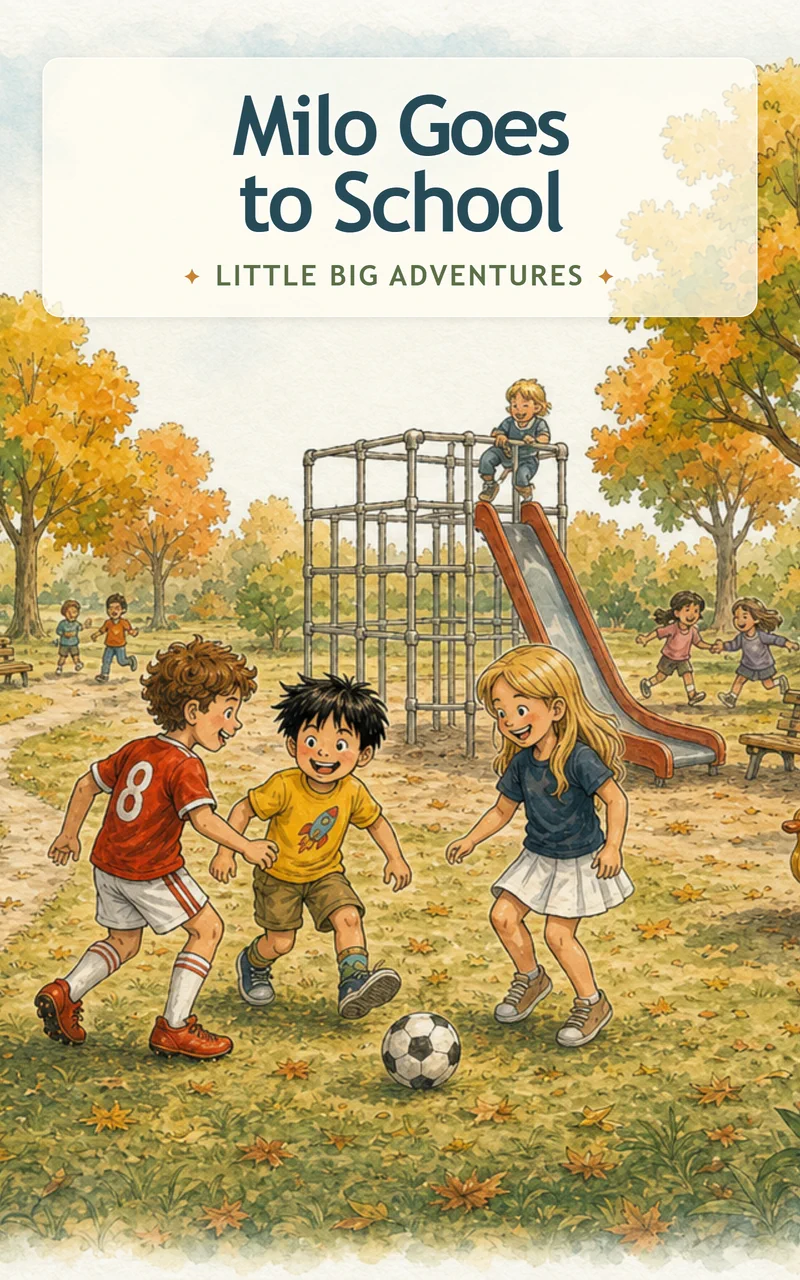
A finished Work, not just a generated output
faq
Questions worth answering
Can this replace curriculum material?
No. Treat it as draft or supplementary material that needs review against the curriculum and the learner’s actual needs.