
workflow://UC-27
6 steps
Social & image production
Add a Logo Watermark to a Folder of Images
Apply one consistently scaled and positioned logo to an image folder locally while retaining clean, untouched masters.
BWI
Apply text, a logo, or both across an image set after reviewing the placement.
Batch Watermark Image is for proof sets, branded previews, and visible rights notices. Configure the mark once, inspect representative images, and export a separate sharing set without modifying the masters.
what_it_does
Add a text watermark, logo watermark, or both
Control position, opacity, scale, and tiling
Preview placement before the batch run
Create proof, branded, or rights-marked sets
Write results to a separate output folder
Process the full set locally
inside_the_app
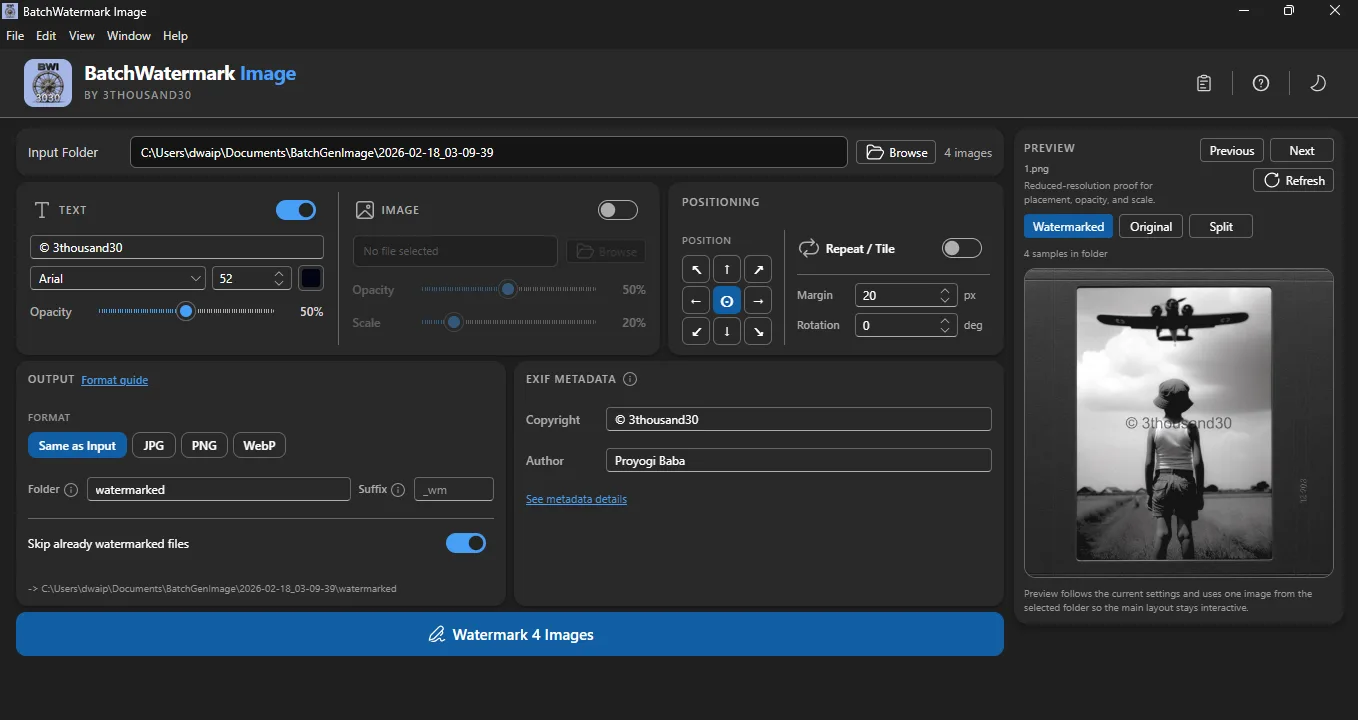
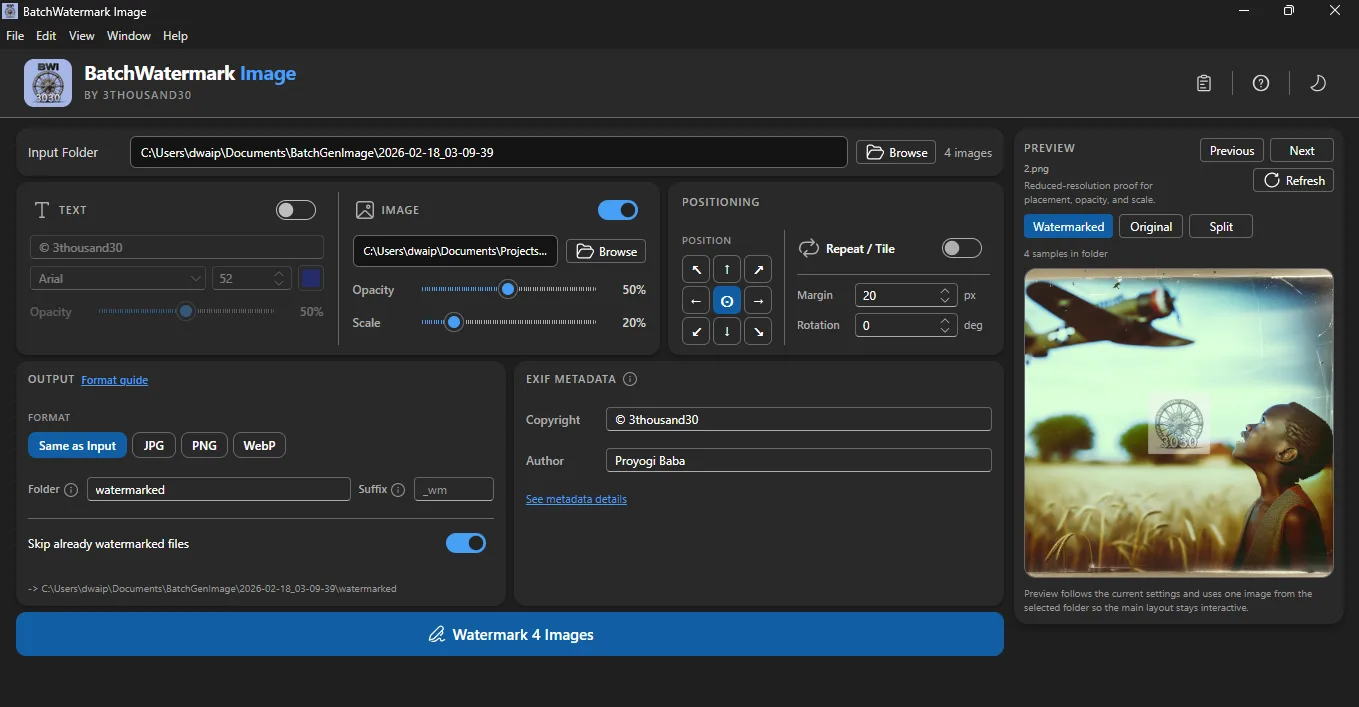
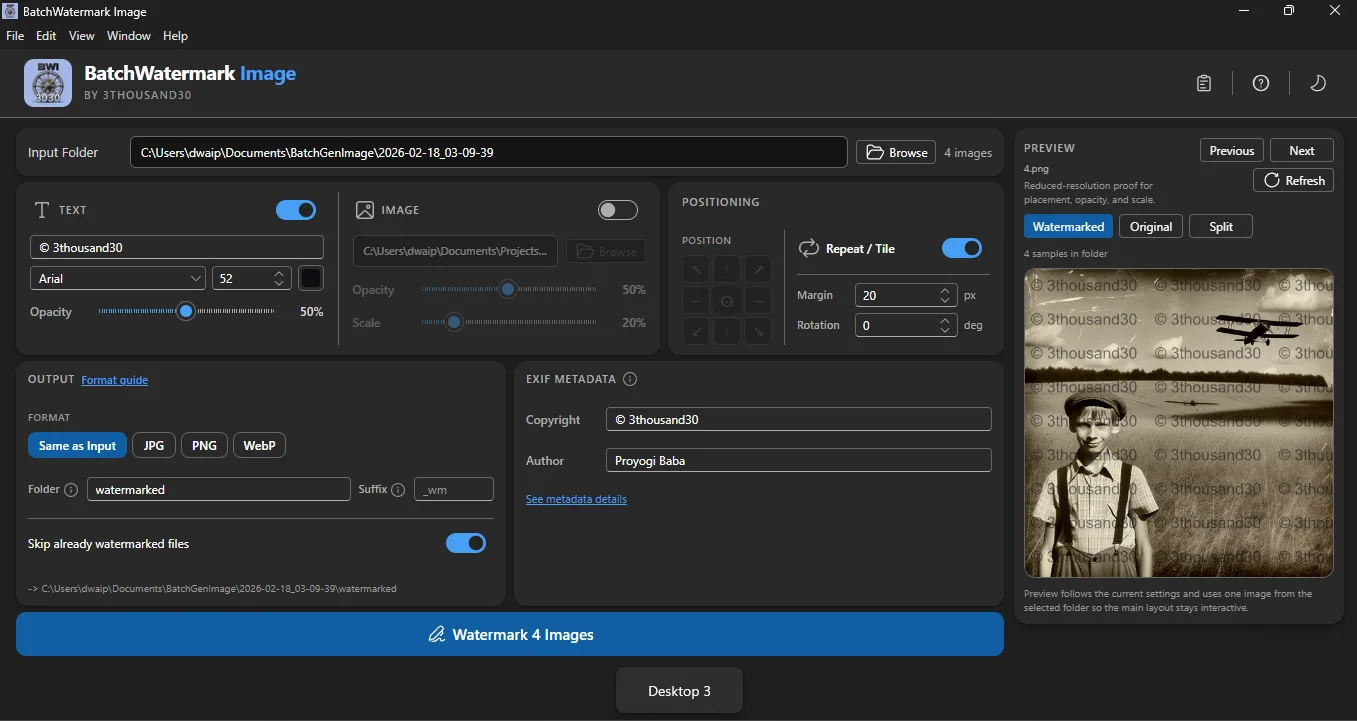
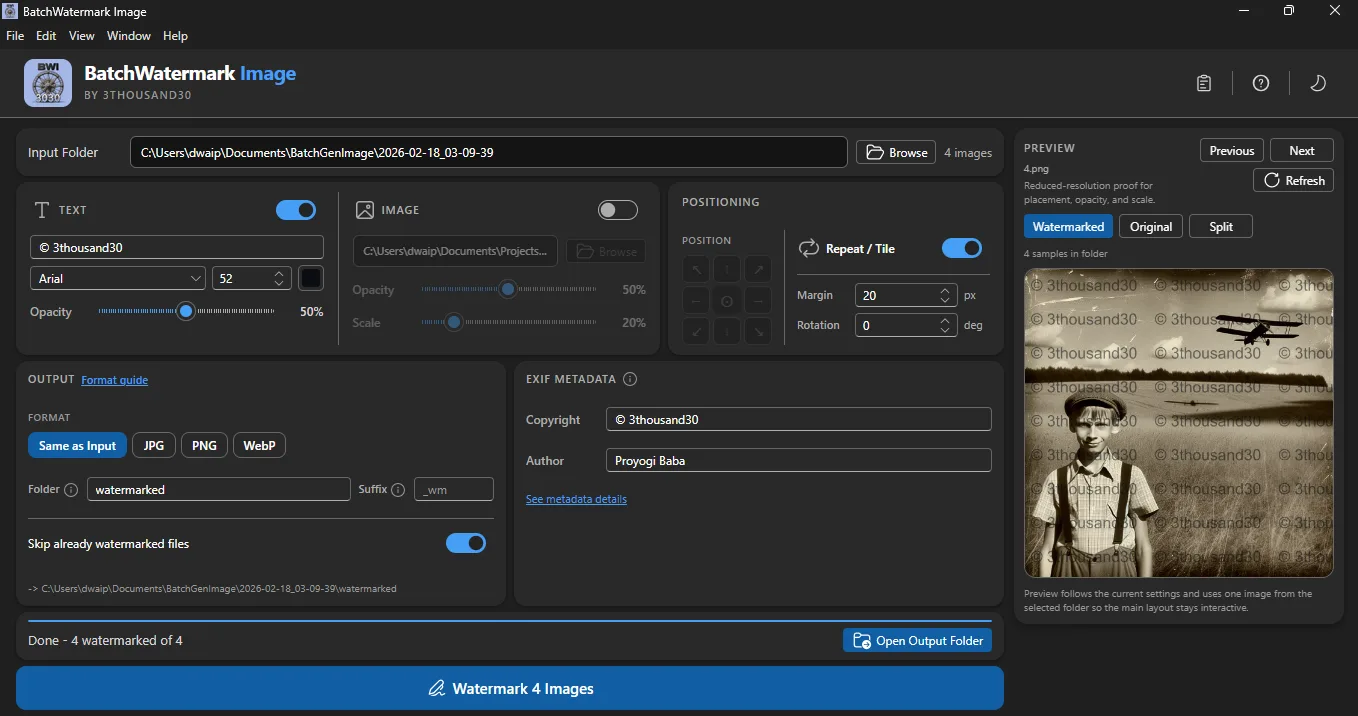
who_it_is_for
privacy_and_control
Source images, watermark assets, preview states, and exported files stay on your machine with no cloud upload, account, or telemetry.
use_it_for
Social & image production
Apply one consistently scaled and positioned logo to an image folder locally while retaining clean, untouched masters.
Social & image production
Create a separate proof or preview folder with a visible mark before sending images to clients or collaborators.
Social & image production
Apply a consistent visible creator, year, or rights notice across a published image collection.
Social & image production
Build a reviewed campaign pack containing text, images, platform sizes, and optional marked preview copies.
faq
No. It is a visible notice or sharing deterrent, not a guarantee against copying.
Yes. Export watermarked copies to a separate folder and retain the original files.
No. Watermarking is local.
ready_when_you_are
US Store price: $3.74 (-25%), normally $4.99. Regional pricing may differ.
related_products

AI creation
Bulk AI image generation on Windows with your own provider, reusable visual personas, styles, reference images, captions, and local outputs.

Local utility
A local Windows batch image resizer with platform presets, crop controls, live preview, and predictable folder output.

Local utility
A fully local Windows batch image compressor with quality controls, before-and-after comparison, and clean output folders.
 tool
tool