
workflow://UC-15
5 steps
Social & image production
Compress Images to Save Storage Space
Create a lighter copy of an exported image collection for archiving, email, upload, or routine delivery.
BCI
Reduce a folder’s image weight for web, email, storage, and delivery.
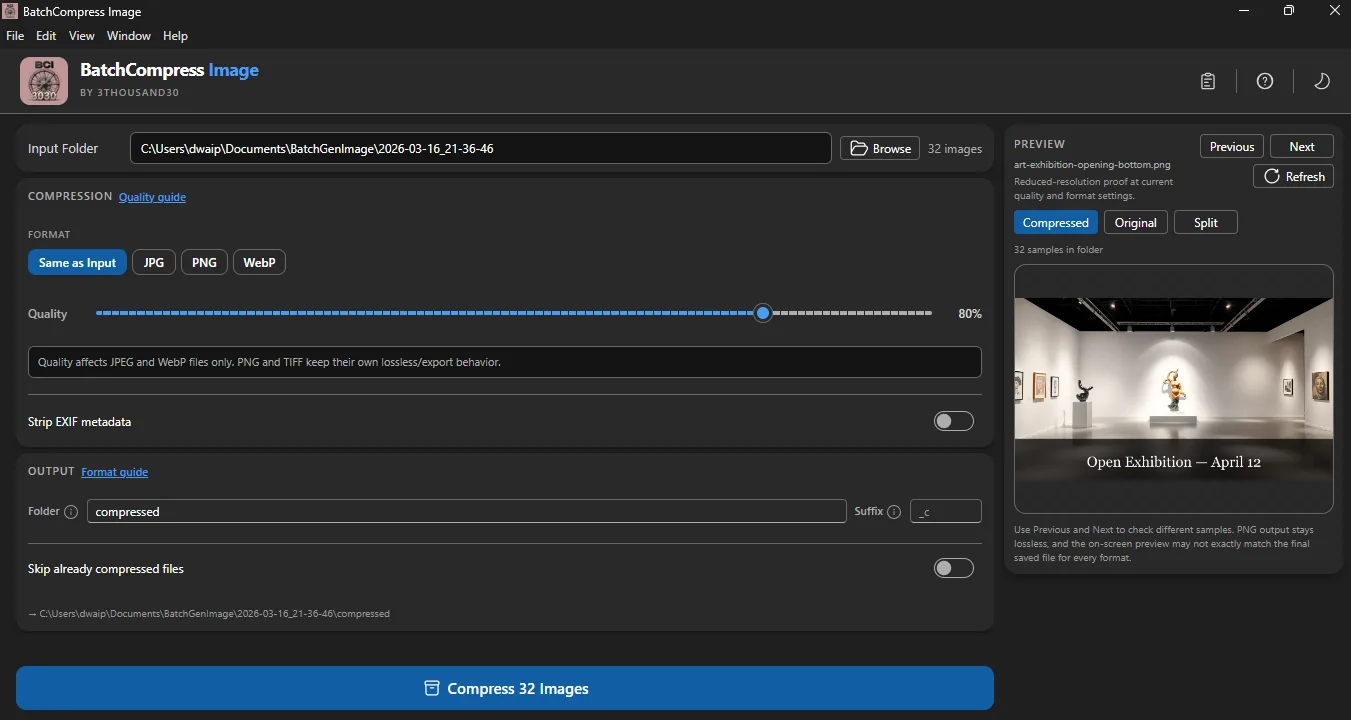
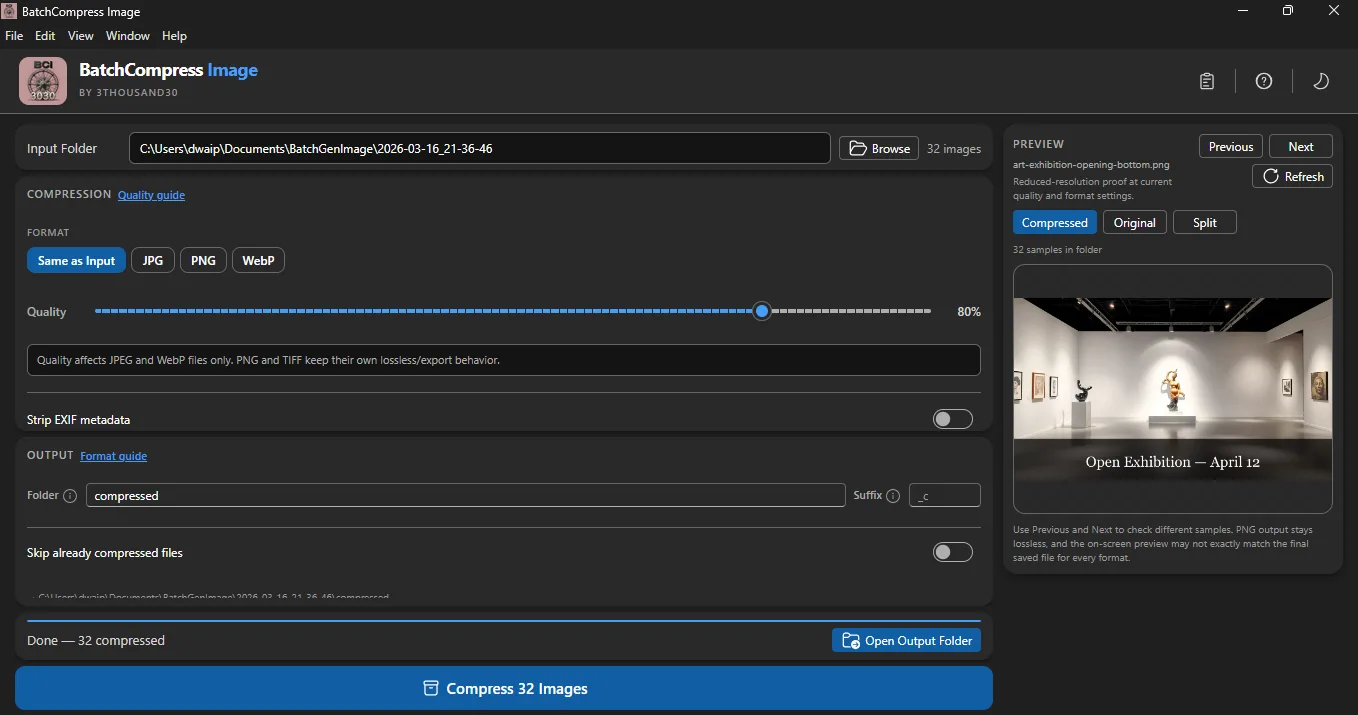
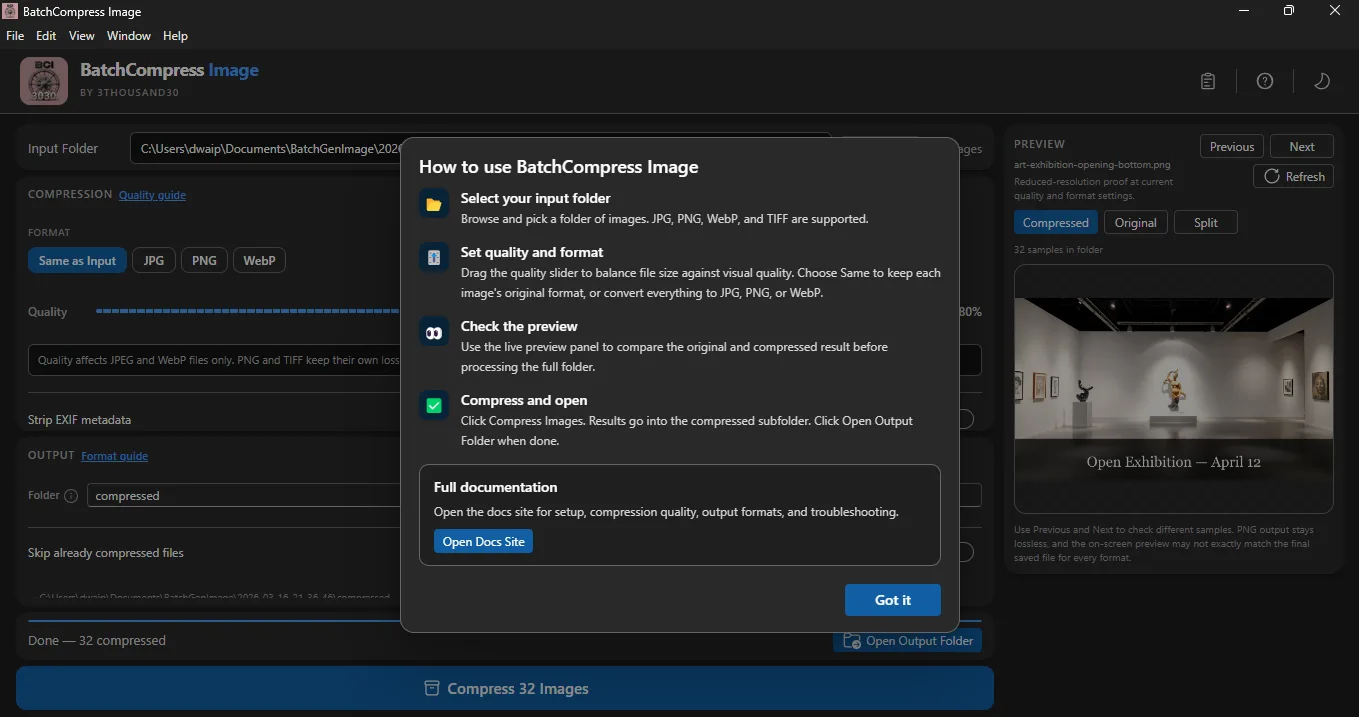
Batch Compress Image makes size reduction a controlled batch step. Keep the original exports, test a representative quality setting, compare the result, then process the delivery or archive copies locally.
what_it_does
Compress a complete image folder
Choose a quality target for the batch
Compare original and compressed output
Prepare lighter files for websites, email, and marketplaces
Keep source and compressed copies separate
Run without an account or upload
inside_the_app
who_it_is_for
privacy_and_control
Compression and comparison happen on the PC. Source images and output files are not uploaded to a cloud service.
use_it_for
Social & image production
Create a lighter copy of an exported image collection for archiving, email, upload, or routine delivery.
PDF & file workflows
Clean a Downloads, publishing, or image-output folder before archiving, sharing, or starting the next workflow.
faq
No. Strong compression can introduce visible artifacts, so compare representative images before processing the whole set.
Keep the masters and create a separate delivery or archive copy unless you are certain the reduced files are sufficient.
Yes. No image upload is required.
ready_when_you_are
US Store price: $3.74 (-25%), normally $4.99. Regional pricing may differ.
related_products

Local utility
A local Windows batch image resizer with platform presets, crop controls, live preview, and predictable folder output.

Local utility
A fully local Windows batch watermarker with text and logo layers, opacity, placement, tiling, preview, and controlled export.

Local utility
A local Windows file organiser with type/date sorting, hash-based duplicate detection, complete previews, and undo for the last operation.
 tool
tool