
workflow://UC-29
6 steps
PDF & file workflows
Find Exact Duplicate Files by Hash
Identify byte-for-byte duplicate files on Windows even when their filenames differ, then review the matching paths before reorganising anything.
BFO
Sort a messy folder, find exact duplicates, preview the plan, and keep an undo path.
Batch File Organiser gives high-trust folder work a visible safety rail. Scan first, inspect the proposed result, apply only when it makes sense, and undo the last run if the structure was not what you expected.
what_it_does
Organise files by type or date
Find exact duplicates by file hash
Preview the full proposed operation
Apply changes only after review
Undo the most recent operation
Run without uploading folder contents
inside_the_app
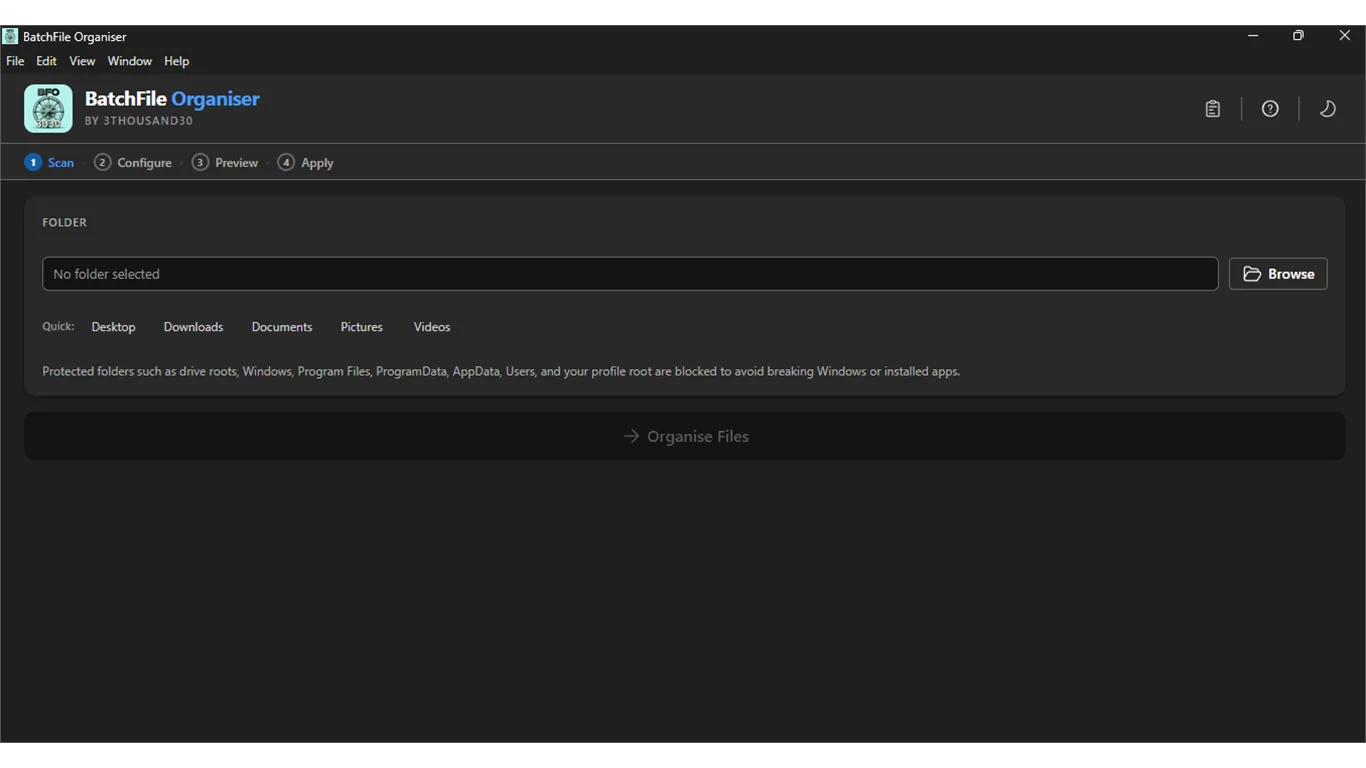
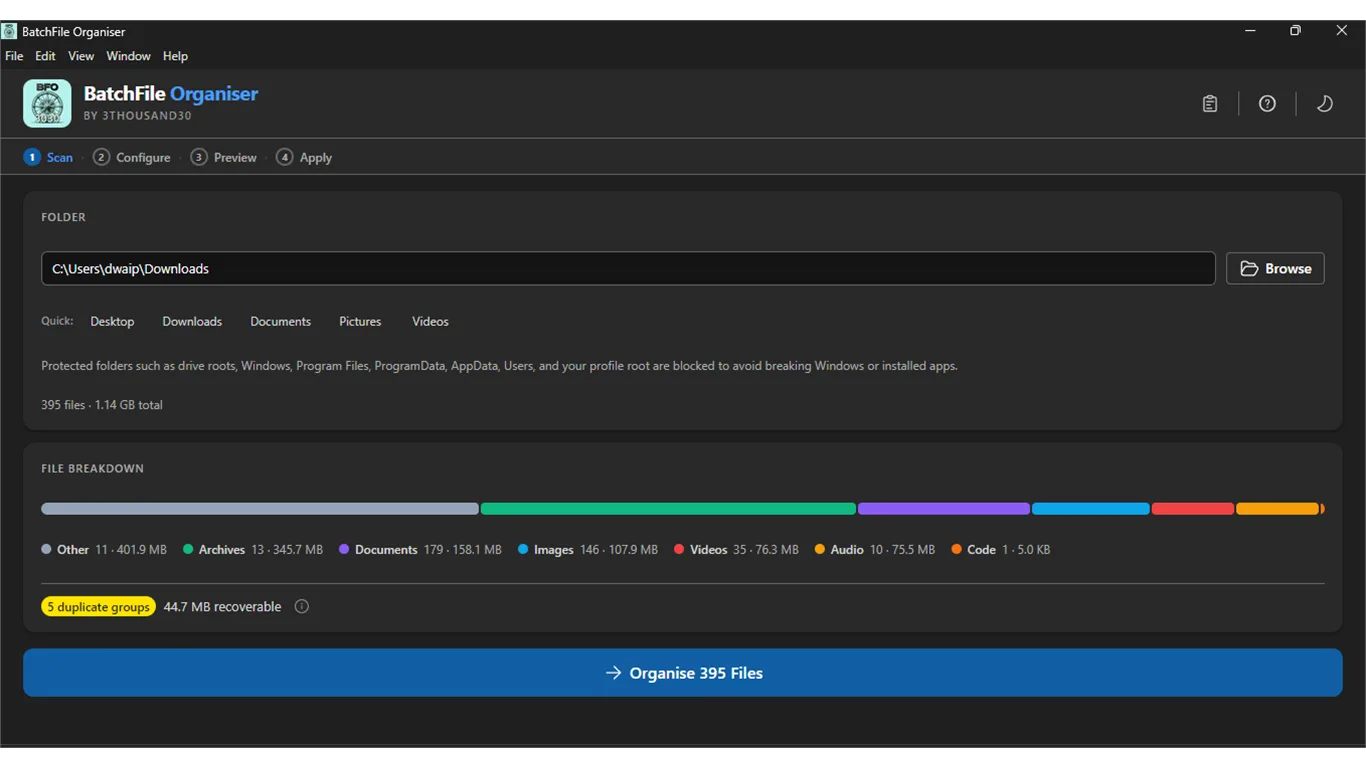
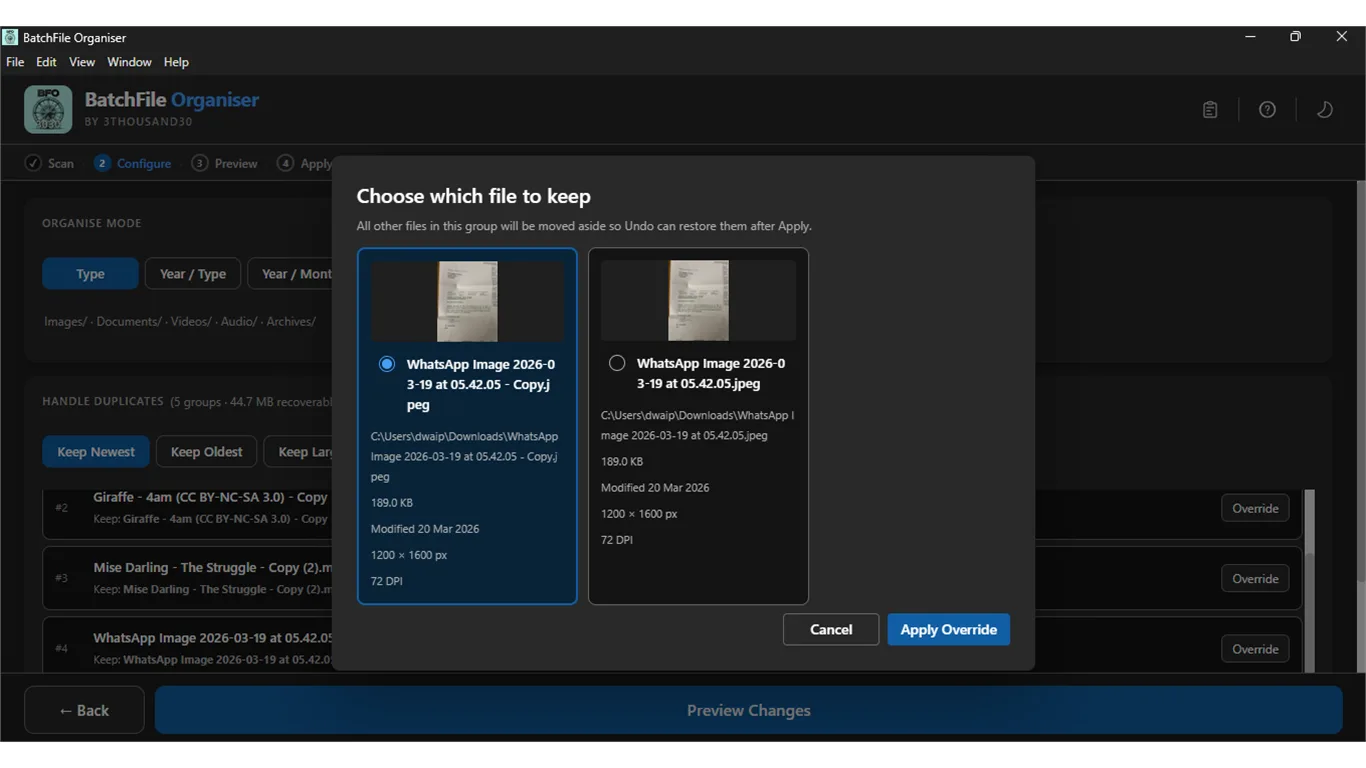
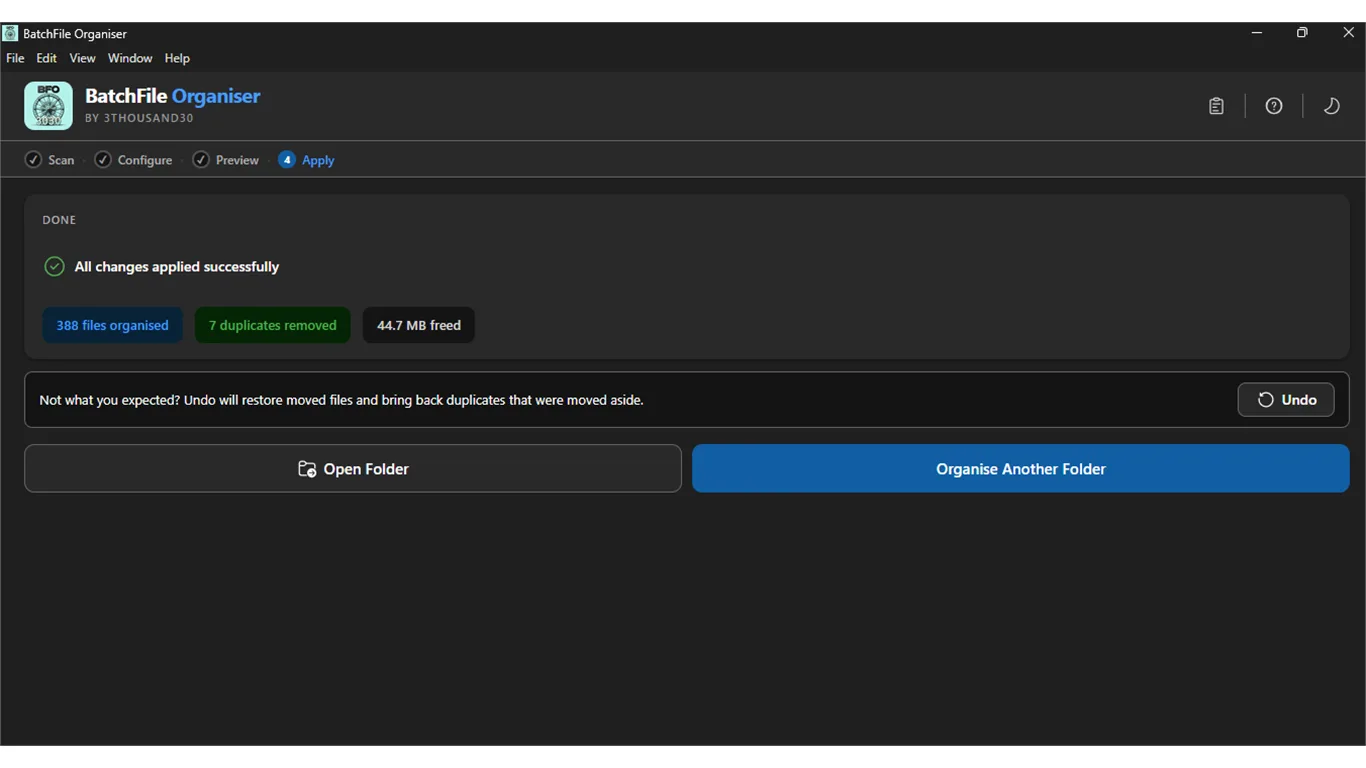
who_it_is_for
privacy_and_control
Folder scanning, duplicate hashing, previews, file operations, and undo information stay on your Windows machine. No account or telemetry is required.
use_it_for
PDF & file workflows
Identify byte-for-byte duplicate files on Windows even when their filenames differ, then review the matching paths before reorganising anything.
PDF & file workflows
Clean a Downloads, publishing, or image-output folder before archiving, sharing, or starting the next workflow.
faq
It compares file hashes, so exact copies can be found even when their filenames are different.
Yes. The app shows the proposed plan before the file operation is applied.
Yes. Folder data and operations stay on the machine.
ready_when_you_are
US Store price: $3.74 (-25%), normally $4.99. Regional pricing may differ.
related_products

Local utility
A fully local Windows batch image compressor with quality controls, before-and-after comparison, and clean output folders.

Local utility
A local Windows batch image resizer with platform presets, crop controls, live preview, and predictable folder output.

Local utility
A fully local Windows image upscaler with batch processing, print-ready DPI controls, sharpening, and up to 8× scaling.
 tool
tool