← 3thousand30
BatchEnhance Image

products / BatchEnhance Image

utility · windows

BatchEnhance Image

Upscale images in bulk for print, posters, books, and physical products. Fully local.

$4.99 one-time purchase

* Microsoft Store prices vary by country/region; the amount shown is the US price.

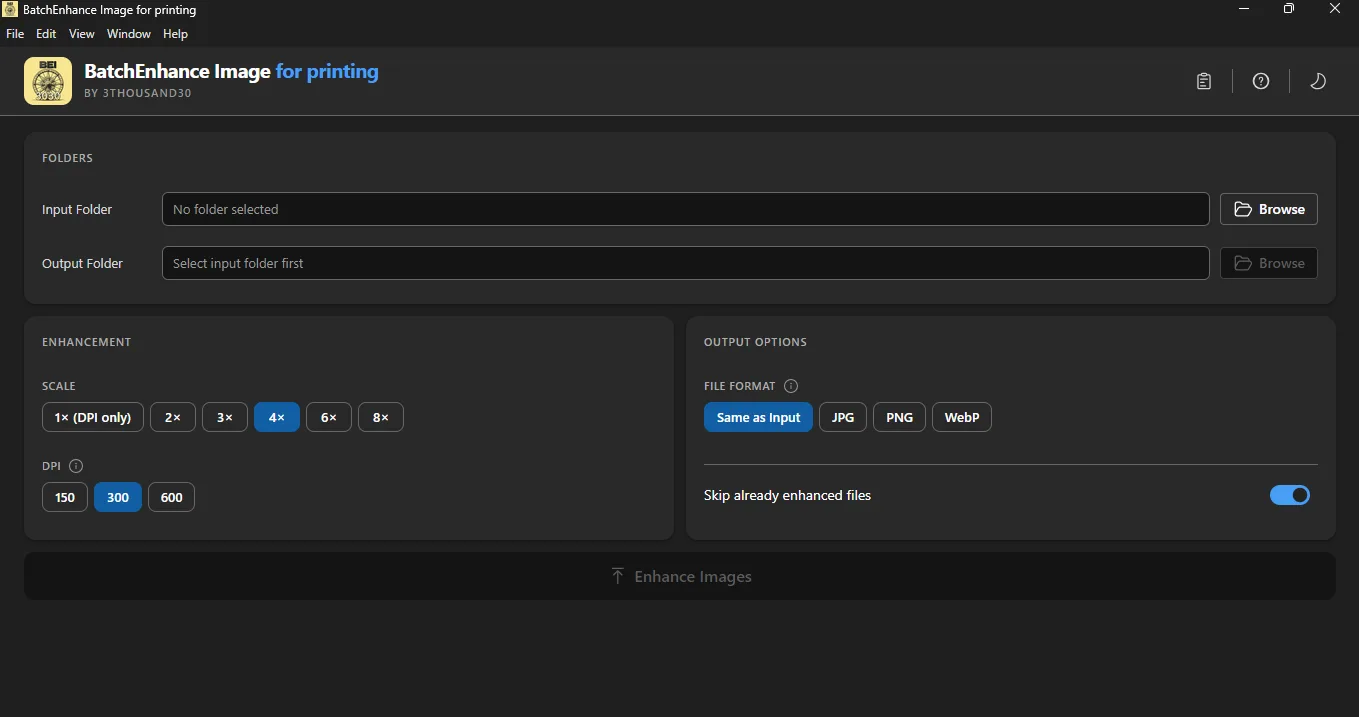
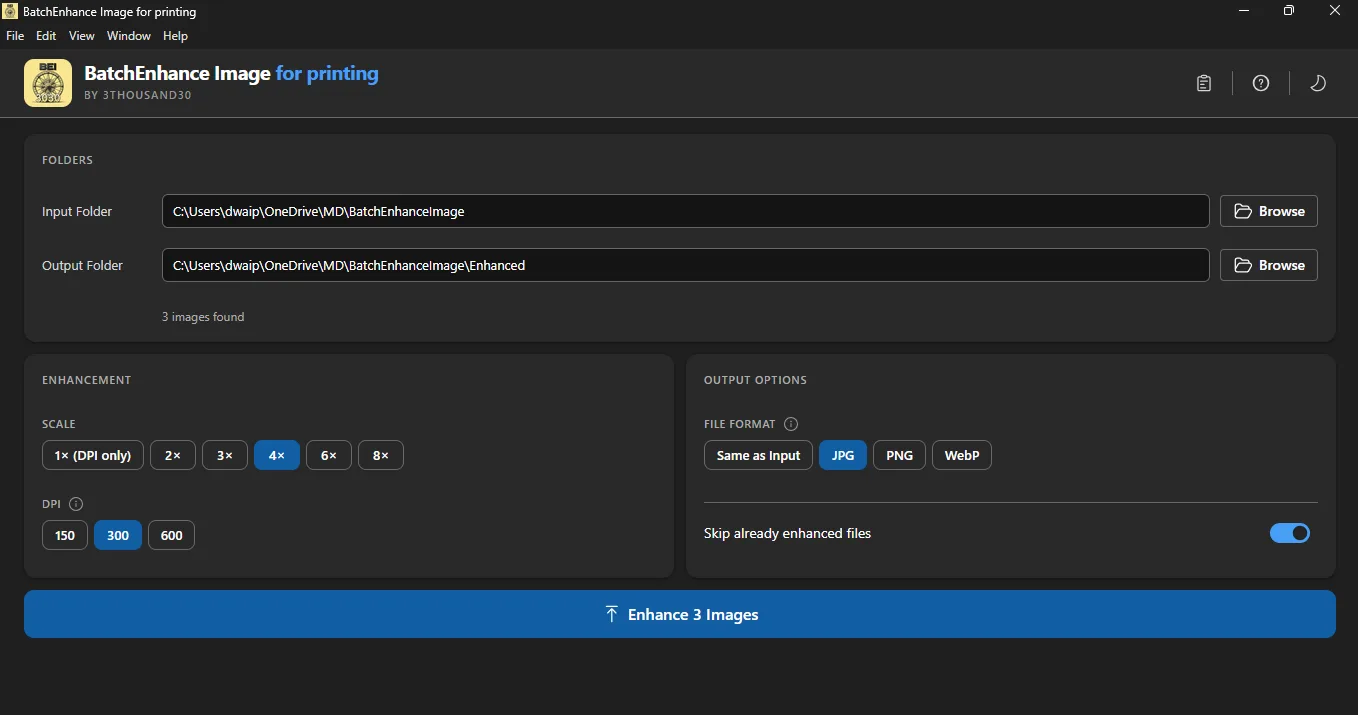
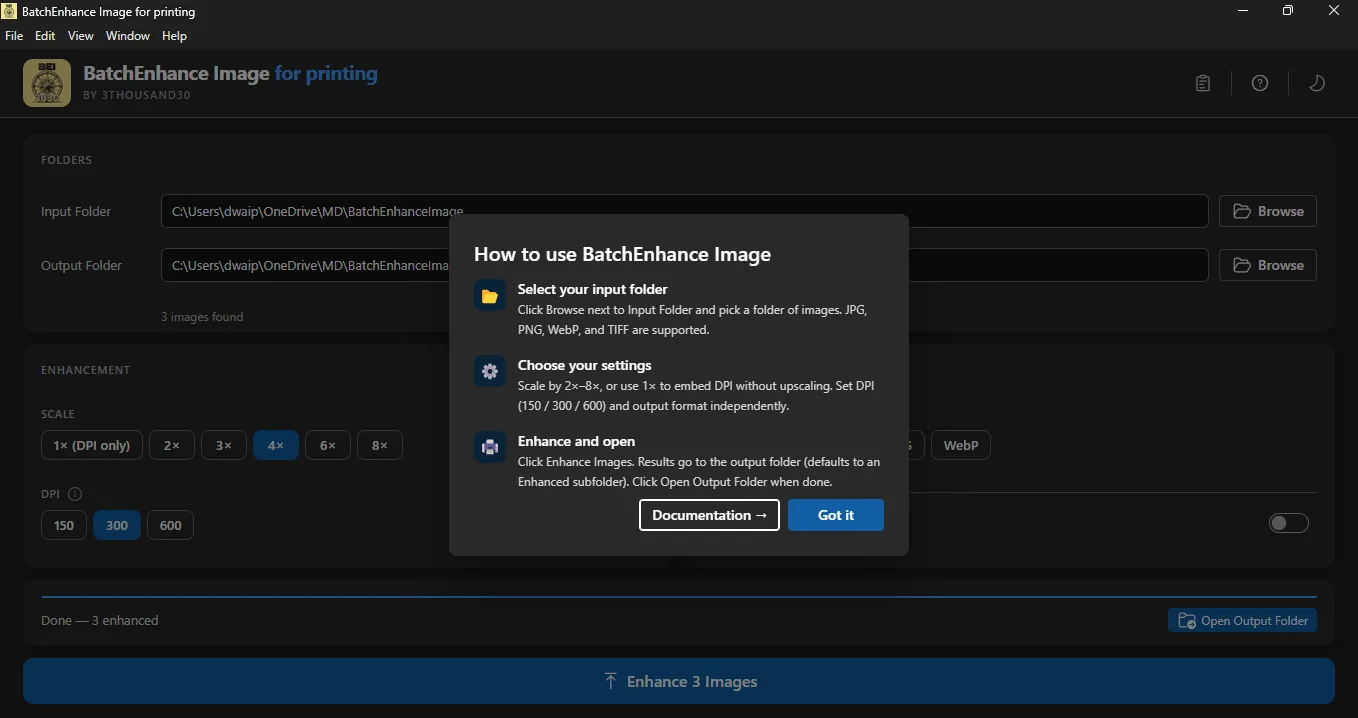
Point at a folder, choose scale and DPI, and enhance the full batch. Built for print creators, photobook makers, poster workflows, and anyone who needs quality upscaling without cloud dependency. Lanczos3 resampling with post-upscale sharpening keeps fine detail intact.

>

screenshots

>

what_it_does

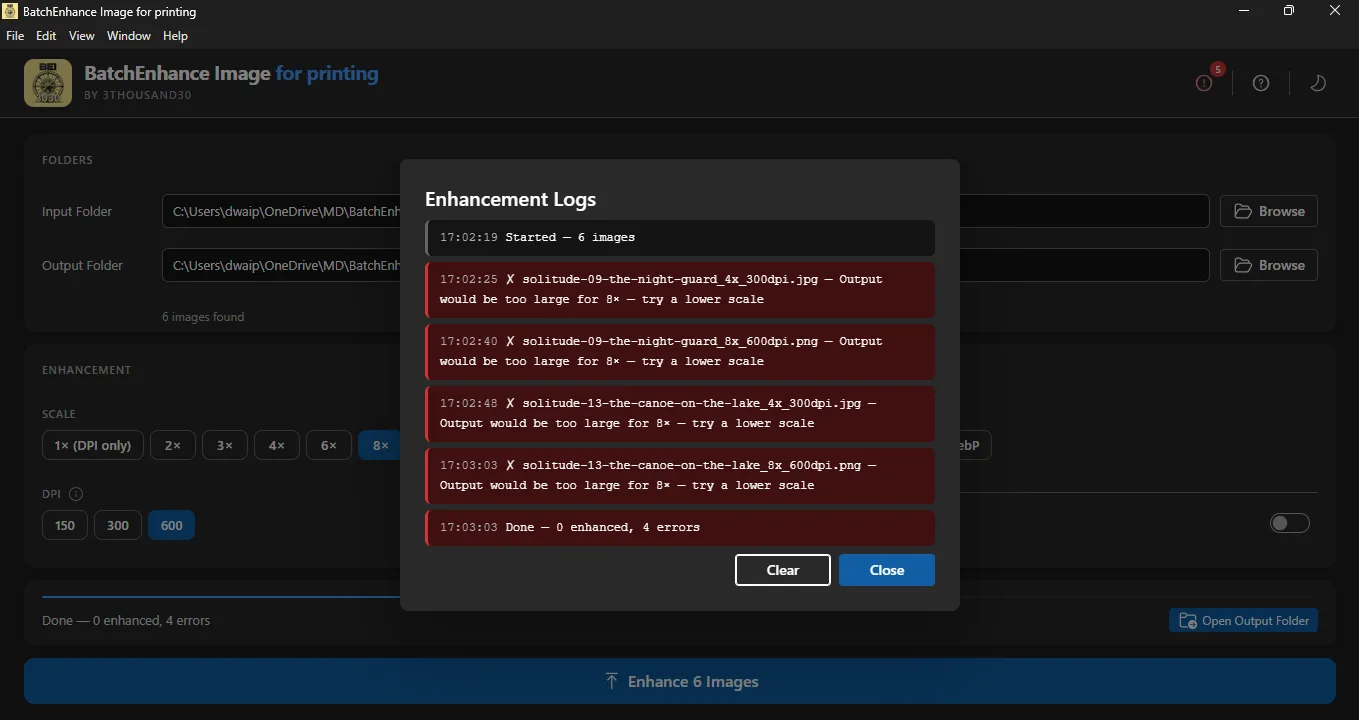
// batch print-prep — process entire folders at once // Lanczos3 high-quality resampling + post-upscale sharpening // 2x, 3x, 4x, 6x, 8x upscaling options // 1x mode for DPI metadata embedding only // print-ready DPI metadata: 150, 300, or 600 DPI // output formats: JPG, PNG, WebP, or keep original // skip existing — safe to re-run on updated folders // real-time progress with file-level error logging // safe cancel mid-run // 100% local — no internet, no account, no telemetry
>

who_its_for

Print-focused creators

For people preparing images for posters, books, art prints, and other physical outputs where resolution and DPI matter.

Photobook and artifact workflows

A strong fit when a larger image batch has already been selected and the next step is making it more suitable for real-world printing.

People who want offline prep

Works well for users who do not want cloud upscalers, accounts, subscriptions, or telemetry wrapped around print-prep work.

>

best_paired_with

>

use_cases

>

privacy_and_control

BatchEnhance Image is fully local. There is no cloud dependency, no AI provider setup, no account layer, and no telemetry collecting a record of your print-prep work.

That matters when you are working through large batches of images that represent books, posters, or other sellable outputs and you want the prep pipeline to stay under your control.

>

faq

Is BatchEnhance Image fully local?

Yes. It is a fully local Windows app with no cloud dependency, no account requirement, and no telemetry.

Is it good for posters, books, and print output?

Yes. It is designed for print-facing image prep, especially where larger output sizes and print-ready DPI matter.

How much can it upscale?

It supports 2x, 3x, 4x, 6x, and 8x upscaling, plus a 1x mode when you only want to embed DPI metadata.

Does it add print-ready DPI metadata?

Yes. You can embed 150, 300, or 600 DPI metadata into the exported files.

What does it pair well with?

It pairs especially well with BatchGen Image with AI for photobooks, posters, and other workflows where image generation comes before print prep.

>

other_apps