skip to content
buy once Private local workspace Windows

Personal Workspace

Keep notes, plans, tables, files, and templates in folders you own.

Personal Workspace gives you a capable private place for notes, plans, reference material, and working files without turning personal information into another online service. Choose a folder, make it your workspace, and keep the pages and attachments there as ordinary files you control.

what_it_does

A focused workflow, not a suite you have to rent.

Keep pages, images, and attachments in real folders you choose

Organize parent and child pages in a clear local workspace tree

Write with tasks, callouts, links, images, attachments, and tables

Start recurring work from reusable personal templates

Import CSV data, sort and filter tables, then export it again

Search locally and keep separate workspaces for different parts of life or work

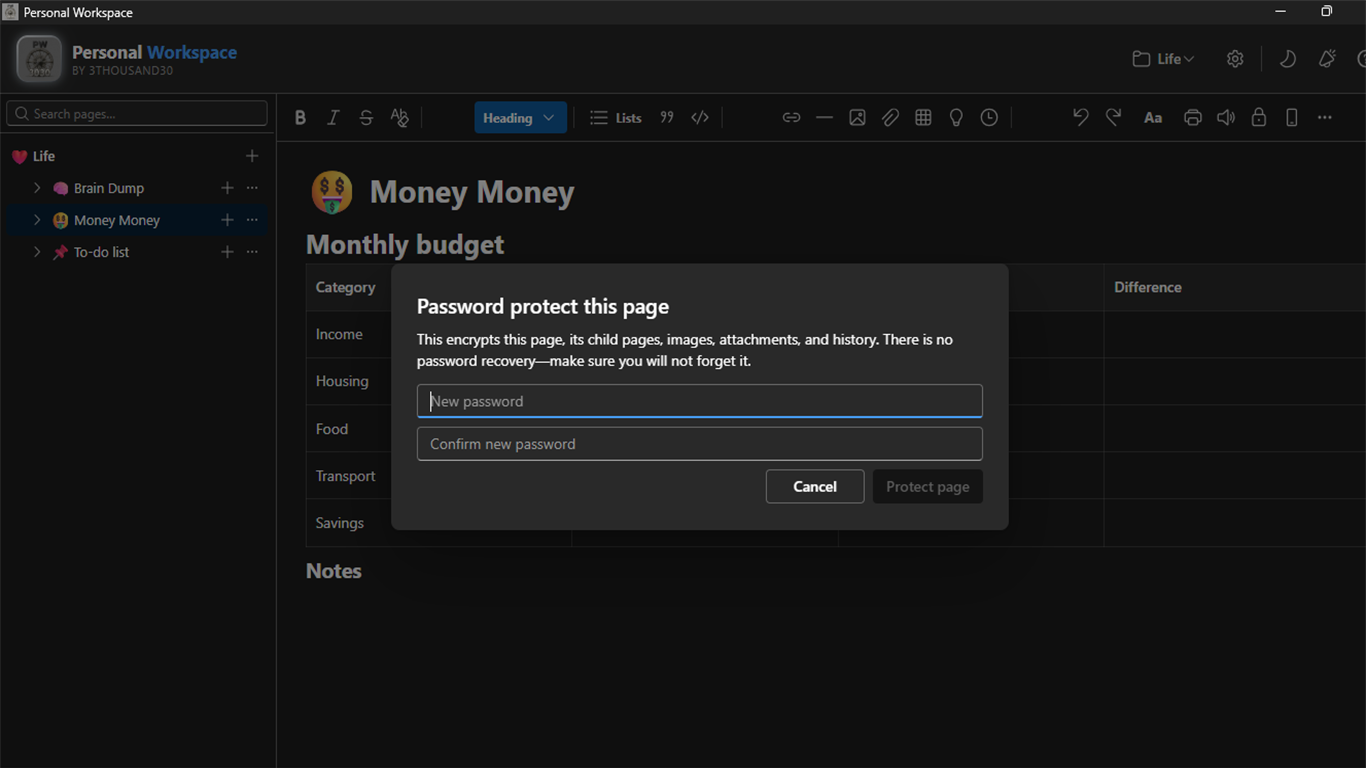
Password-protect a page or an entire workspace

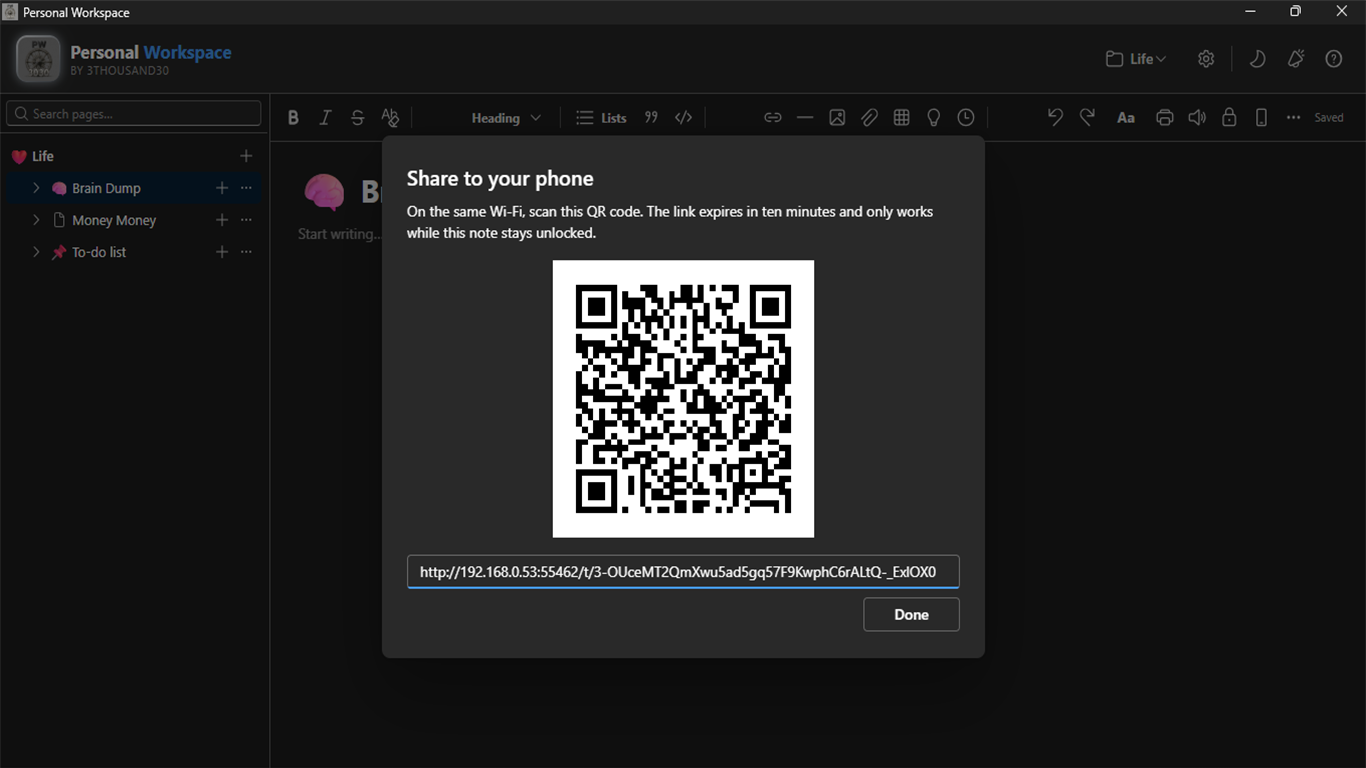
Export a page as PDF or hand an unlocked page to your phone on the same Wi-Fi

inside_the_app

See the actual Windows workflow

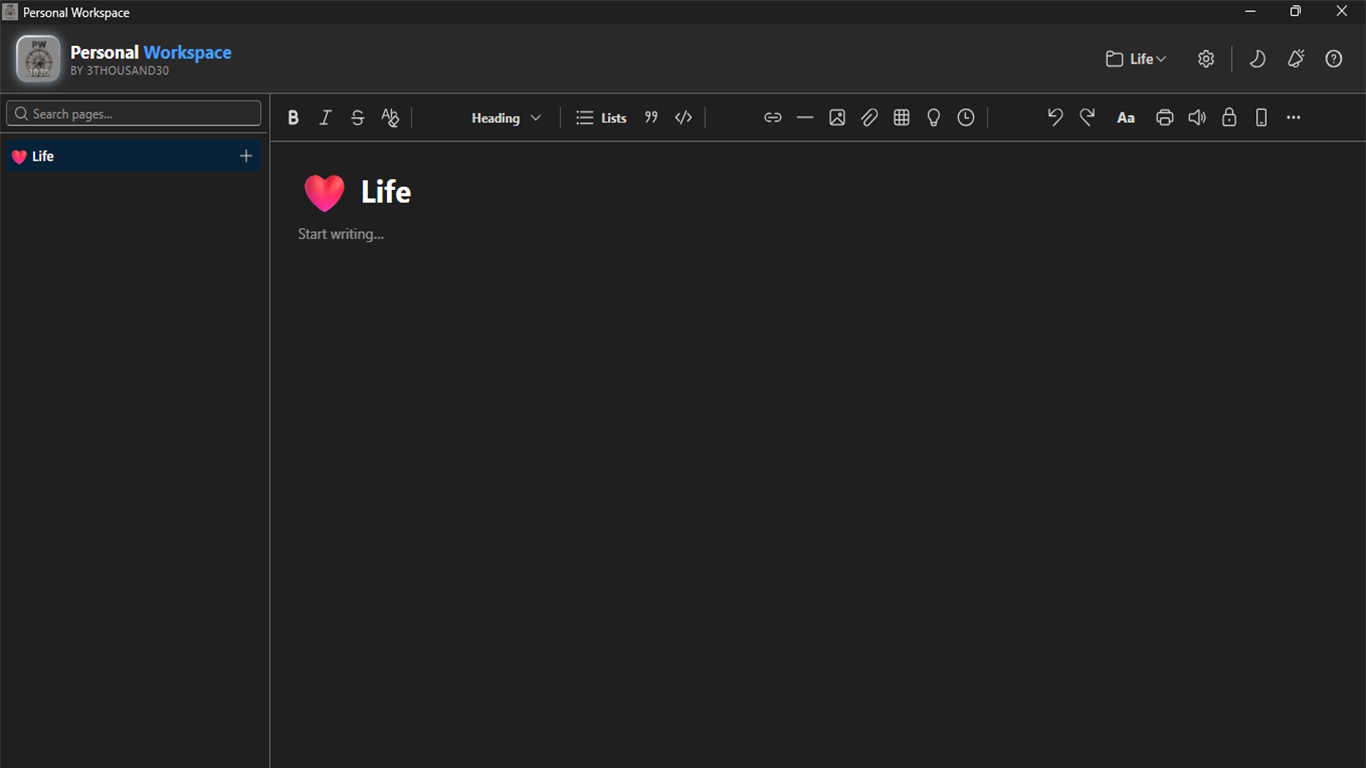
Personal Workspace page tree and local Life workspace
Keep your workspace in folders you own.
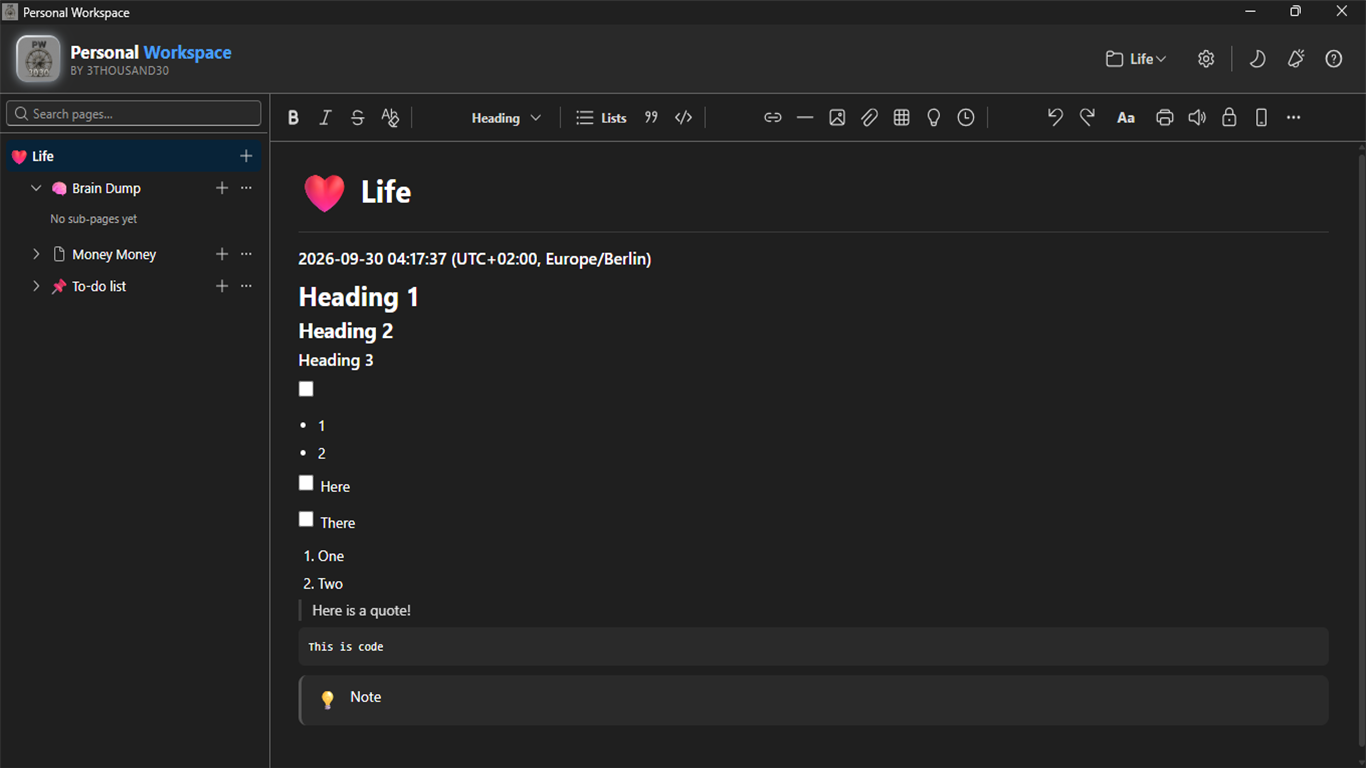
Rich note editing in Personal Workspace
Write structured notes your way.
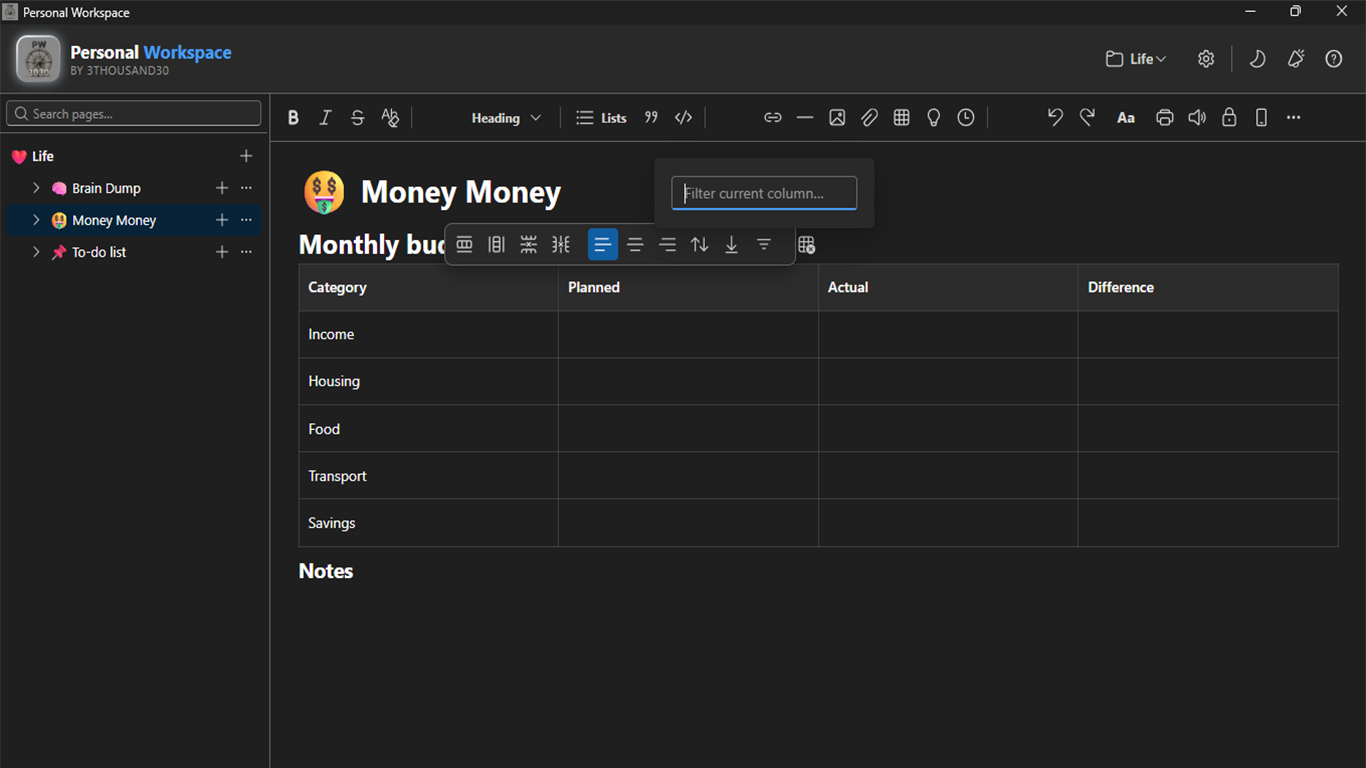
Sortable table in Personal Workspace
Plan and track with working tables.
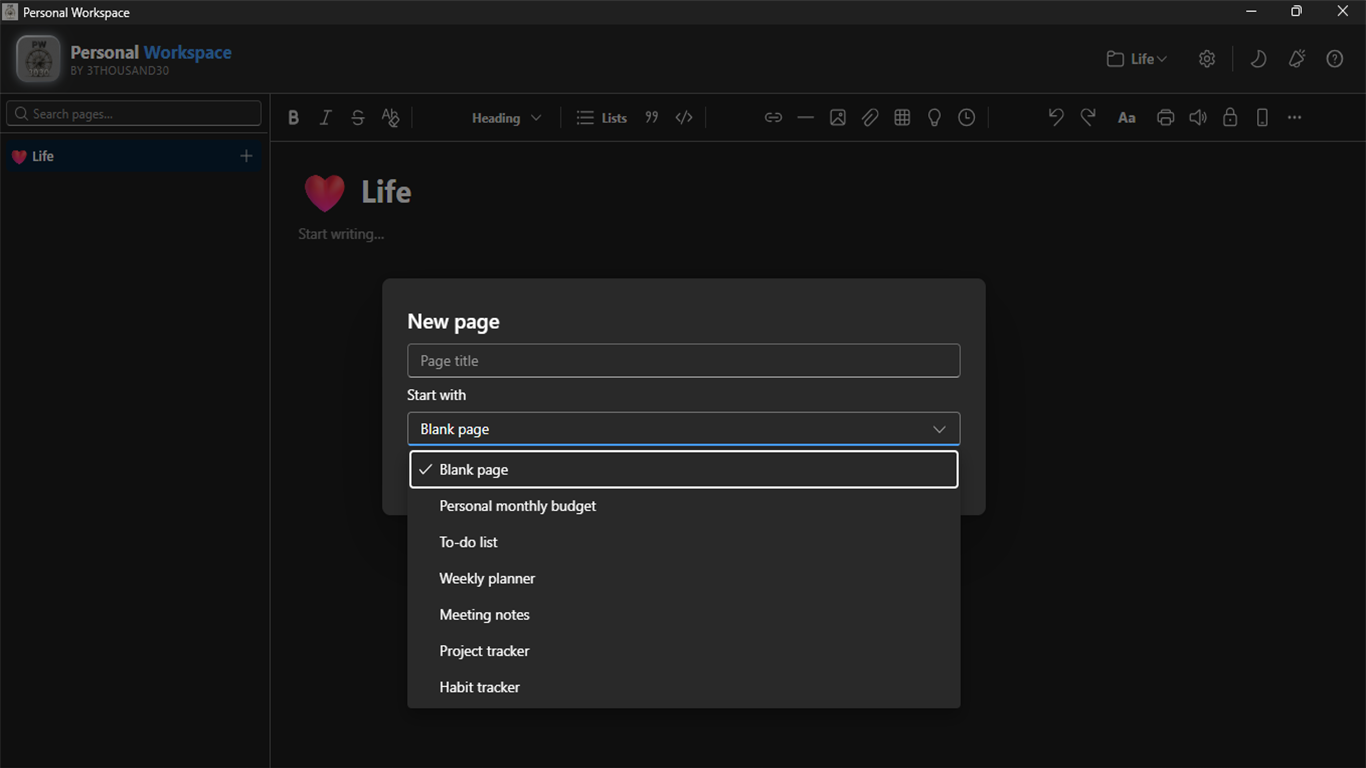
New page templates in Personal Workspace
Start a page from a useful template.
Password protection dialog in Personal Workspace
Protect private pages with a password.
Phone transfer QR code in Personal Workspace
Send a page to your phone on the same Wi-Fi.

who_it_is_for

  • People who want their notes and working material in ordinary local folders
  • Anyone balancing plans, personal reference material, files, and structured tables
  • People who need private pages without moving their workspace to another online service

privacy_and_control

Local folders · optional page protection

Pages, images, and attachments stay in workspace folders you choose. Password protection and temporary phone transfer do not require an account, cloud service, analytics, or telemetry.

faq

Straight answers

Where does my workspace live?

In the folder you choose. Pages, images, and attachments remain ordinary files and folders that you can open, move, or back up outside the app.

Does Personal Workspace need an account or cloud sync?

No. It works with local workspace folders and does not require an account, cloud service, analytics, or telemetry.

How does phone transfer work?

Create a temporary QR transfer for an unlocked page, open it from a phone on the same Wi-Fi network, and send the edited page or an attachment back to the PC.

ready_when_you_are

Own Personal Workspace and keep the workflow.

US Store price: $7.49 (-25%), normally $9.99. Regional pricing may differ.

related_products

toolapp://bfo US Store price $3.74, 25% off the original $4.99
Batch File Organiser logo

Local utility

Batch File Organiser

A local Windows file organiser with type/date sorting, hash-based duplicate detection, complete previews, and undo for the last operation.

filesproductivity
// buy once view app →
toolapp://bpp US Store price $3.74, 25% off the original $4.99
Batch Protect PDF logo

Local PDF utility

Batch Protect PDF

A local Windows batch PDF protector: one password locks a batch of PDFs with AES-256 so nobody without it can open the content, and Unprotect mode removes that protection again given the password.

pdffilesproductivity
// buy once view app →

toolapp://bgt US Store price $14.99, 25% off the original $19.99
Batch Generate Text with any AI logo

AI creation

Batch Generate Text with any AI

Bulk AI writing for Windows with reusable personas, sample analysis, CSV topic lists, multiple providers, and local Markdown or text outputs.

writingpublishingsocial
// buy once view app →

share

Pass this page on

Choose where to share it.