
workflow://UC-35
6 steps
PDF & file workflows
Protect PDF Deliverables With Passwords
Lock a batch of PDF deliverables with one AES-256 password so nobody without it can open the content.
BPP
Password-protect PDF batches with AES-256, or remove that protection again — entirely locally.
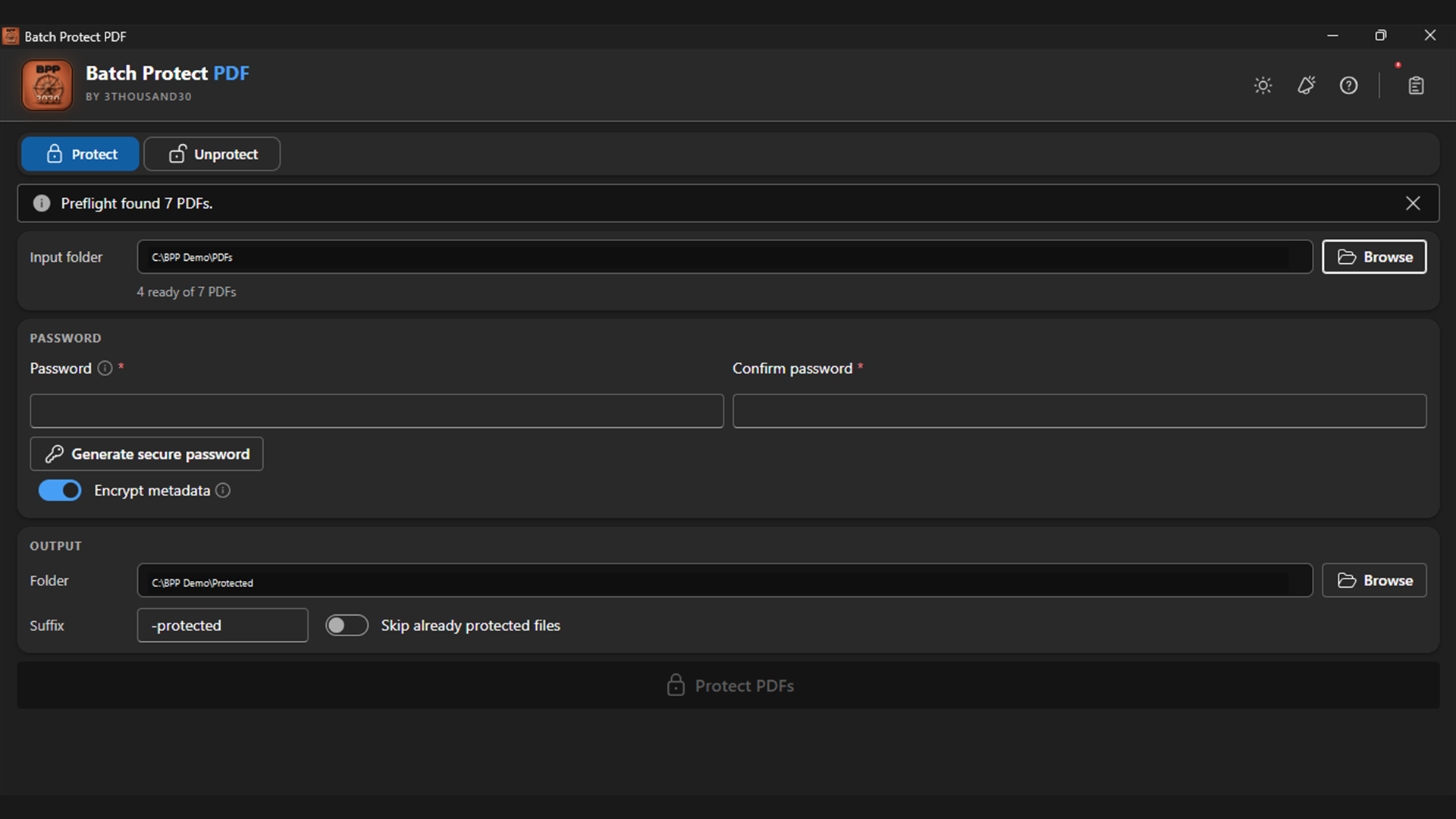
Batch Protect PDF locks a folder of PDFs with AES-256 encryption — without the password, nobody can open them. Set one password, confirm it, and optionally encrypt metadata too. Switch to Unprotect mode to remove protection you already have the password for; a file that rejects it is skipped, not a reason to stop the batch.
what_it_does
Encrypt PDF strings and streams with AES-256
One password, confirmed, locks the whole batch
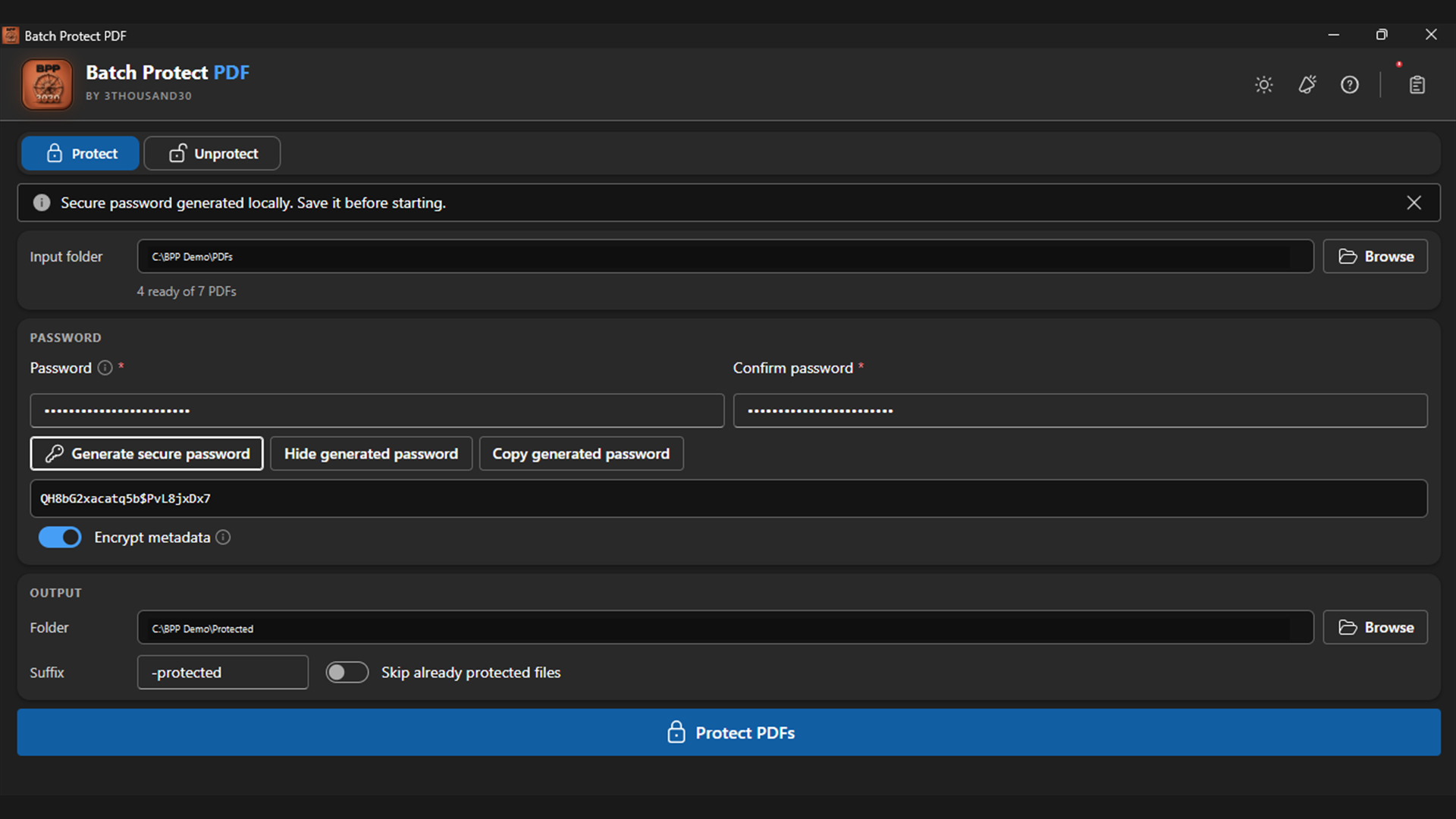
Generate a strong password securely
Optionally encrypt document metadata too
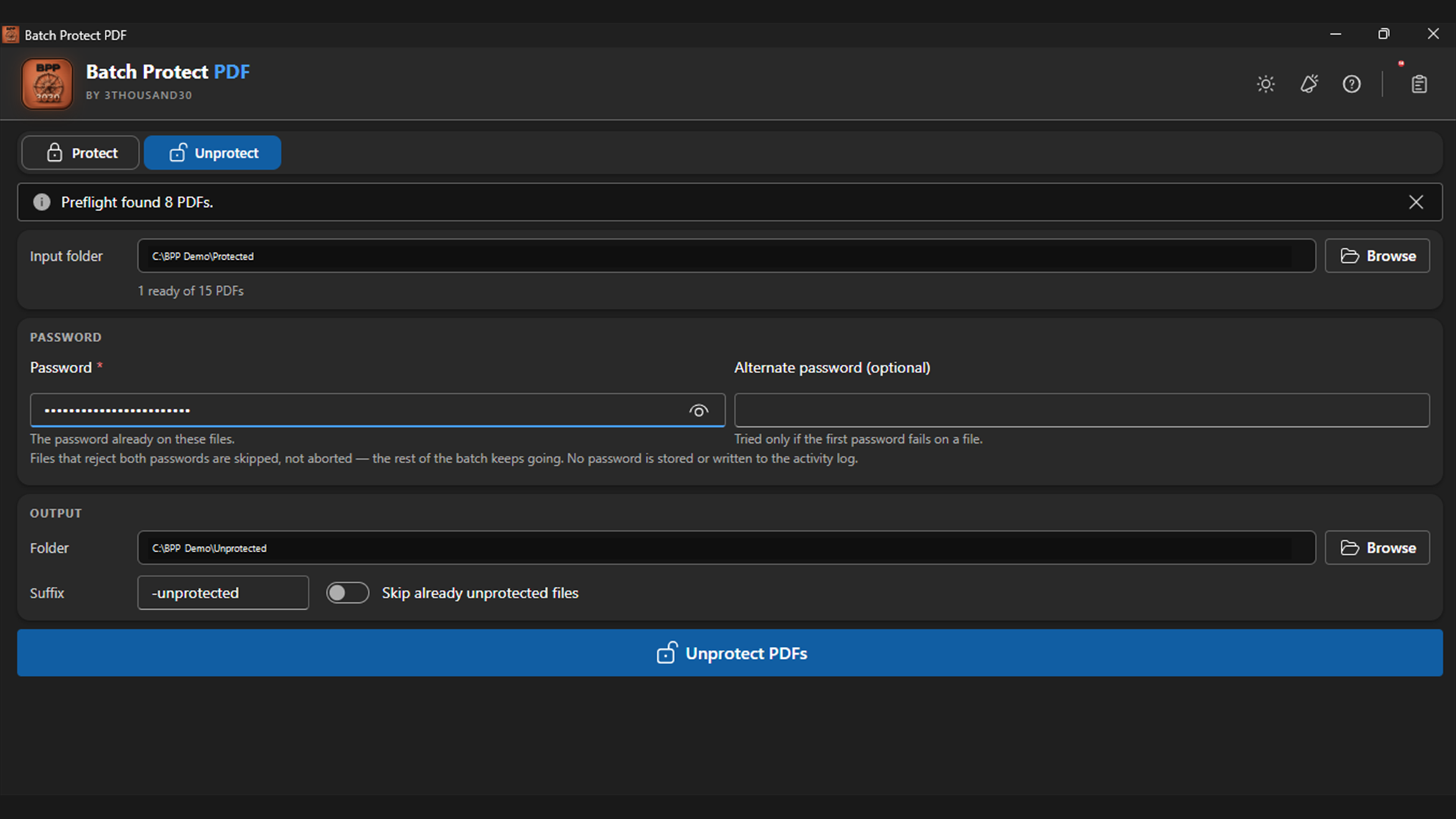
Unprotect mode removes existing protection given the password
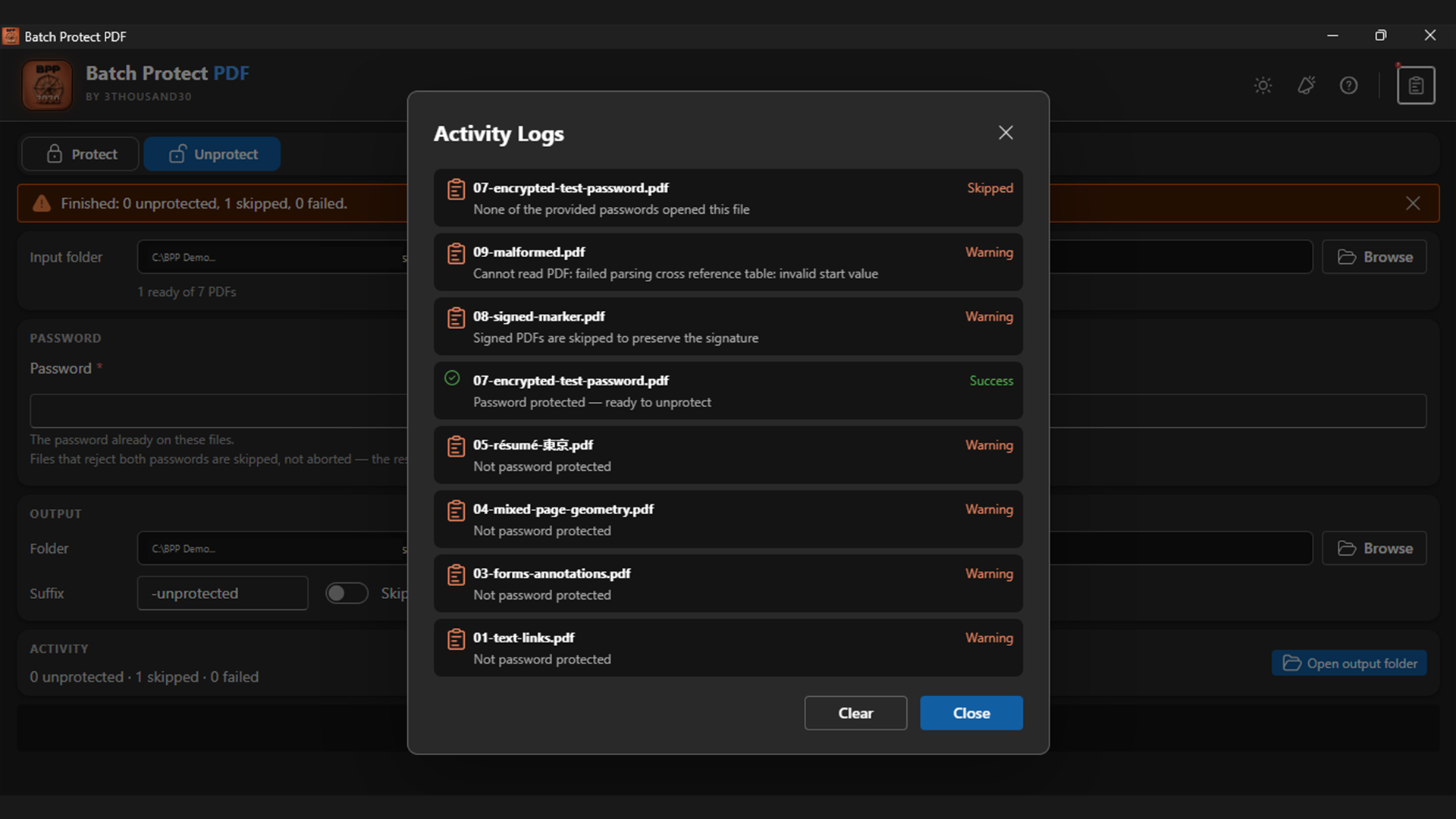
Wrong-password files are skipped, not batch-aborting
inside_the_app
who_it_is_for
privacy_and_control
PDFs and passwords stay on the device. Passwords are not written to settings or logs and are cleared where the platform and encryption library permit.
use_it_for
PDF & file workflows
Lock a batch of PDF deliverables with one AES-256 password so nobody without it can open the content.
faq
It creates AES-256 PDF encryption using the modern V5/revision 6 security handler.
Because the point is content nobody without the password can read — splitting that into a permissions layer a viewer can just ignore was never real protection.
It is skipped, not treated as a reason to stop — the rest of the batch keeps going.
ready_when_you_are
US Store price: $3.74 (-25%), normally $4.99. Regional pricing may differ.
related_products
Local PDF utility
A local Windows PDF compressor with Flatten for strong size reduction, Smart for structure-preserving compression, validated outputs, and a no-bloat guarantee.
Local PDF utility
A local Windows batch watermarker for text, PNG, JPEG, combined marks, placement, opacity, rotation, edge margin, tiling, page ranges, and layering.
Local PDF utility
A lightweight PDF splitter for Windows with single-file and folder modes, optional subfolder scanning, pages-per-file control, and predictable output names.
 tool
tool