
workflow://UC-33
6 steps
PDF & file workflows
Add Watermarks to PDF Documents in Batches
Apply one reusable text, logo, or combined watermark across PDF sets while preserving separate clean masters.
BWP
Add text, logo, or combined watermarks to PDF batches locally, with precise placement and a live preview.
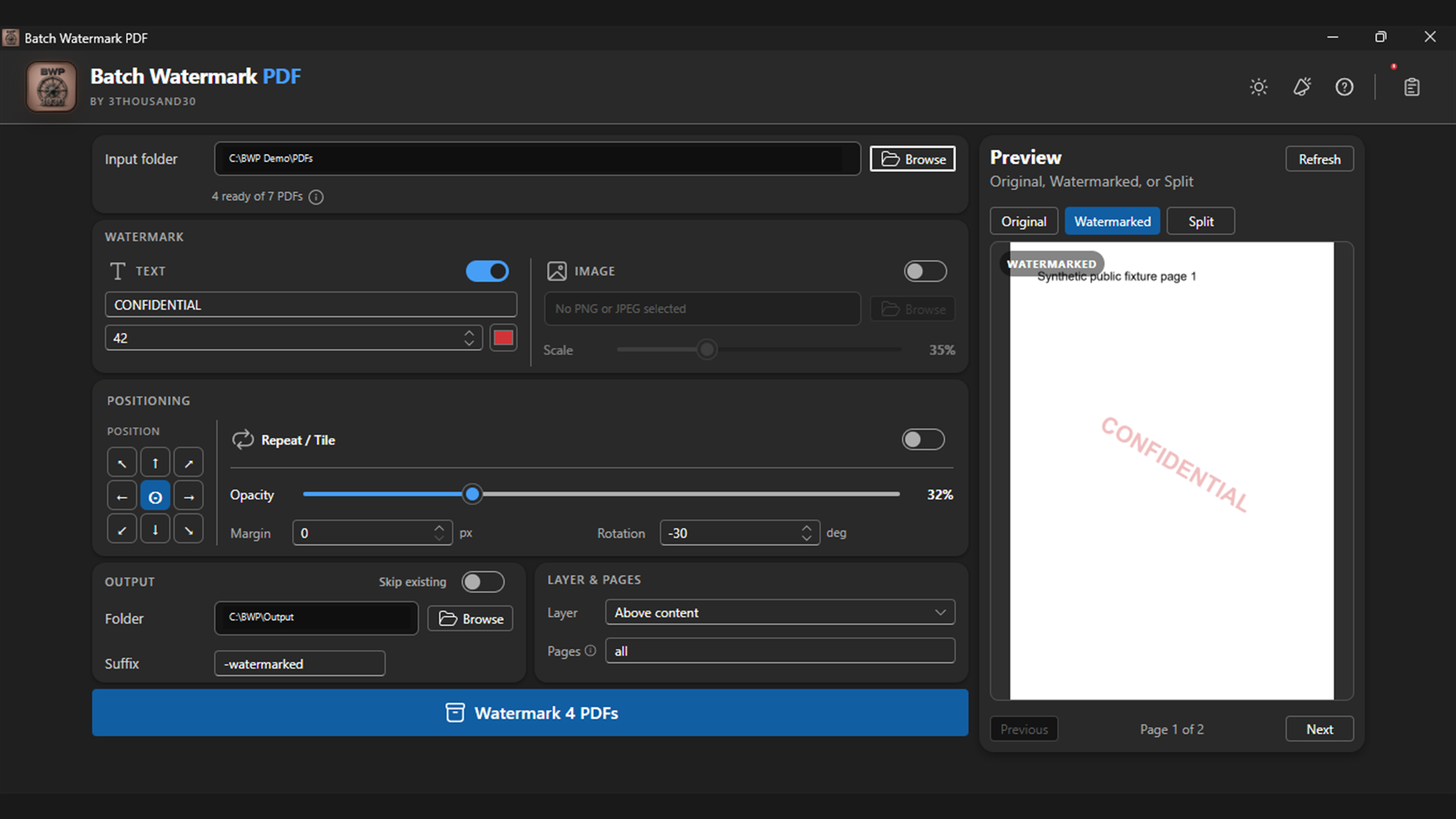
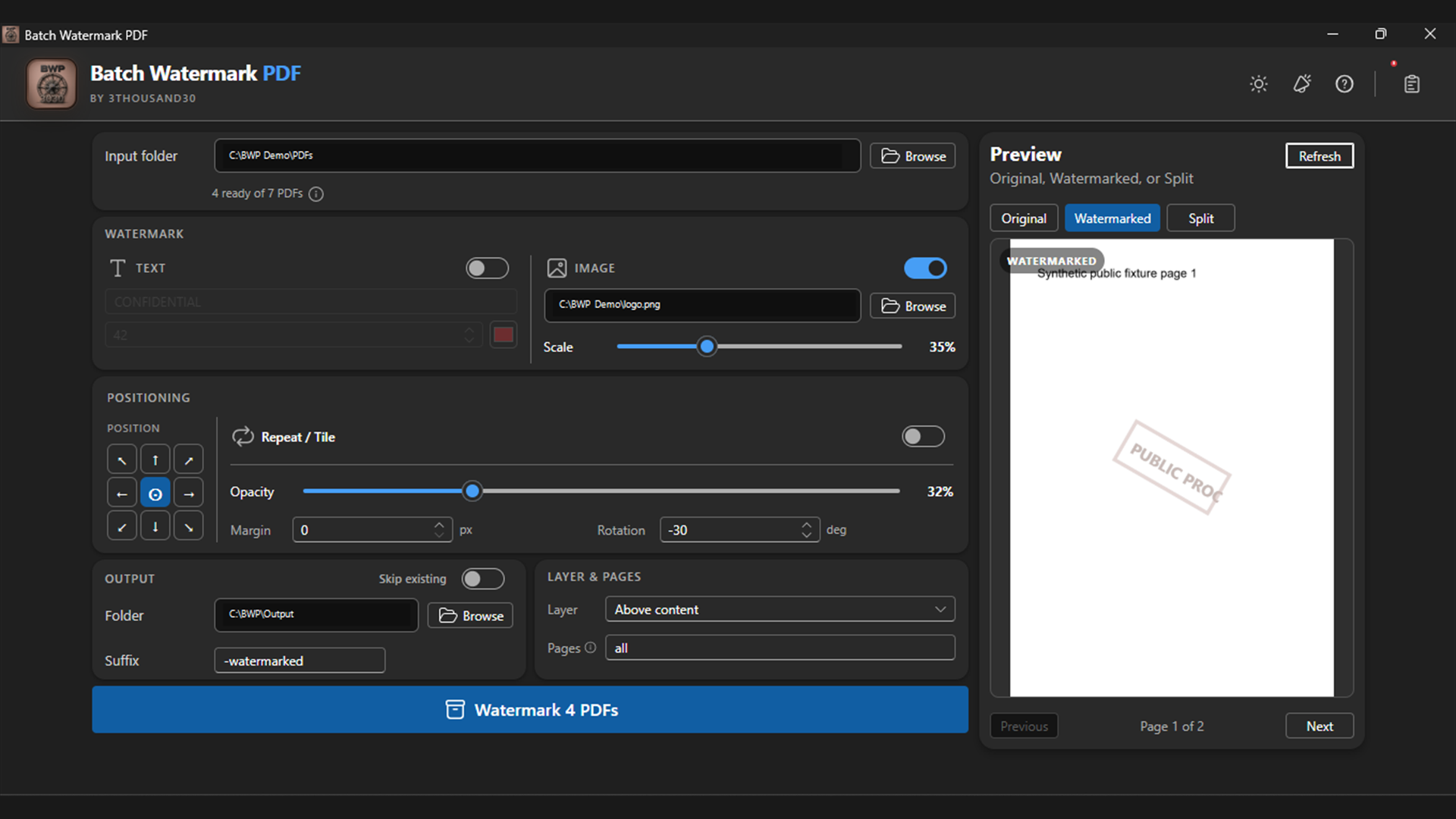
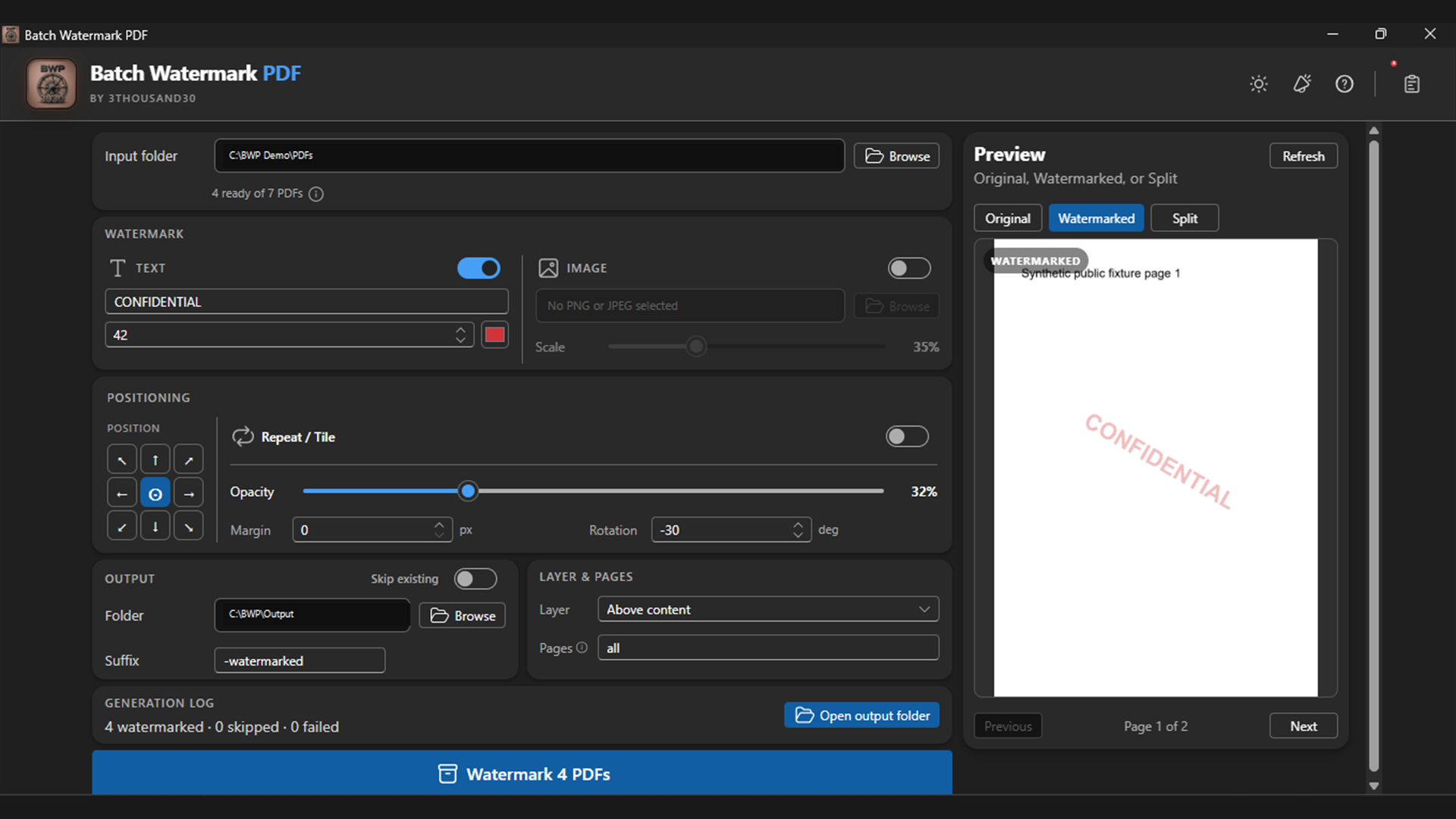
Batch Watermark PDF applies text, PNG, JPEG, or combined marks without turning ordinary outputs into page screenshots. Choose placement, rotation, opacity, edge margin, text colour, tiling, page ranges, and above- or below-content layering, then check the result in a live Original, Watermarked, or Split preview before running the batch.
what_it_does
Use text, PNG, JPEG, or combined watermarks
Choose nine placements, rotation, opacity, and edge margin
Set watermark text colour, size, and wording per batch
Repeat marks in an adjustable tile pattern, or target precise page ranges
Place marks above or below existing page content
Check results in a live Original, Watermarked, or Split preview
inside_the_app
who_it_is_for
privacy_and_control
PDFs and watermark image files stay on the PC. Outputs are separate validated copies, so approved clean masters remain unchanged.
use_it_for
PDF & file workflows
Apply one reusable text, logo, or combined watermark across PDF sets while preserving separate clean masters.
PDF & file workflows
Create temporary DRAFT or PROOF copies for client review while keeping approved clean masters untouched.
faq
Version 1.0 supports PNG, JPG, and JPEG. SVG input is deferred.
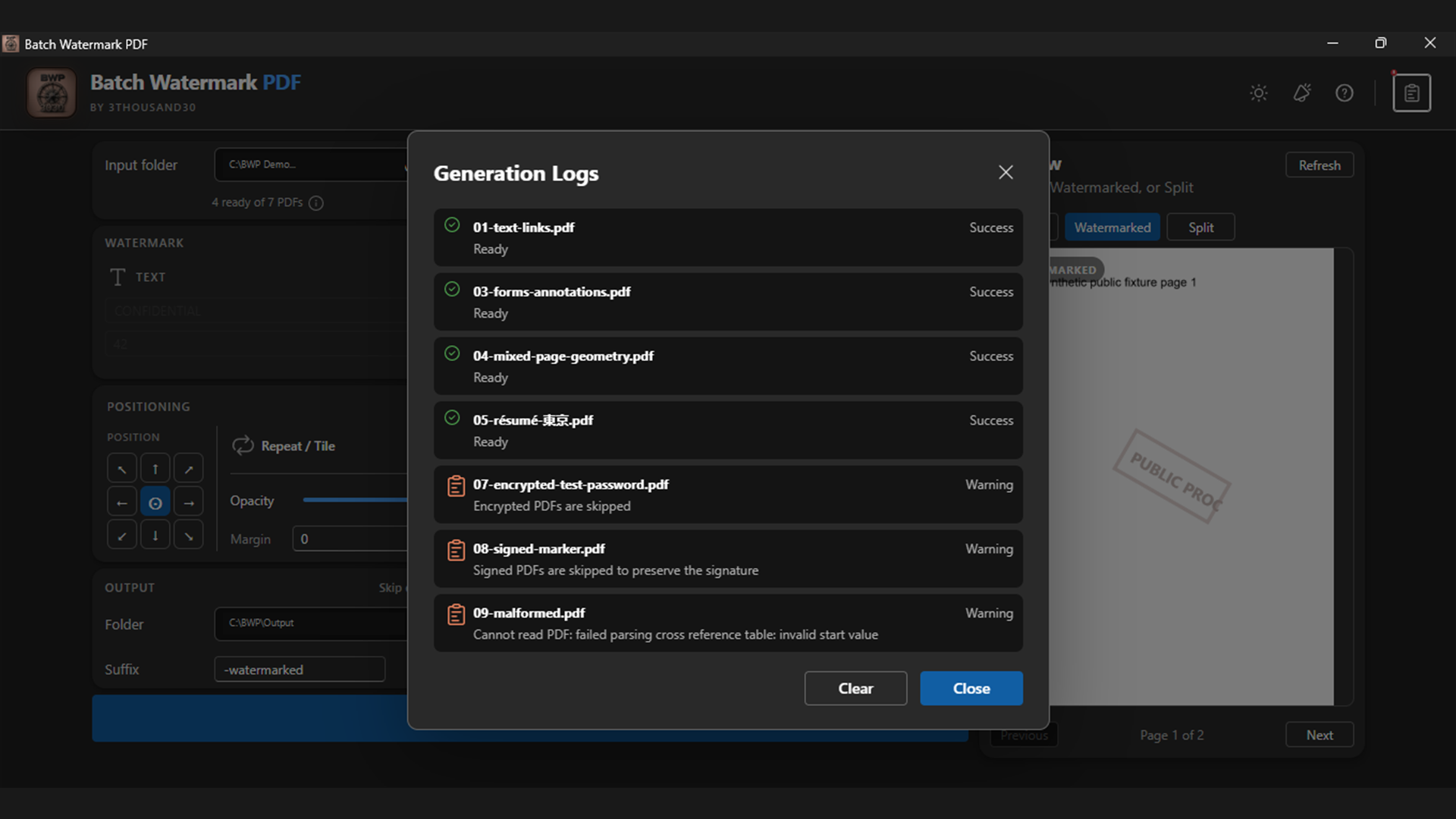
No. The normal workflow adds page resources and content while preserving text, links, forms, annotations, and page geometry.
No. A watermark communicates ownership or status and discourages misuse, but it is not encryption or DRM.
ready_when_you_are
US Store price: $3.74 (-25%), normally $4.99. Regional pricing may differ.
related_products
Local PDF utility
A local Windows PDF compressor with Flatten for strong size reduction, Smart for structure-preserving compression, validated outputs, and a no-bloat guarantee.
Local PDF utility
A local Windows batch PDF protector: one password locks a batch of PDFs with AES-256 so nobody without it can open the content, and Unprotect mode removes that protection again given the password.

Local utility
A fully local Windows batch watermarker with text and logo layers, opacity, placement, tiling, preview, and controlled export.
 tool
tool