
workflow://UC-37
6 steps
Video & file workflows
Compress a Folder of Videos Before Sharing
Create smaller, reviewed MP4 or WebM copies from a video folder while keeping the source footage untouched and local.
BCV
Compress a complete video folder locally, with controls for quality, speed, audio, and output.
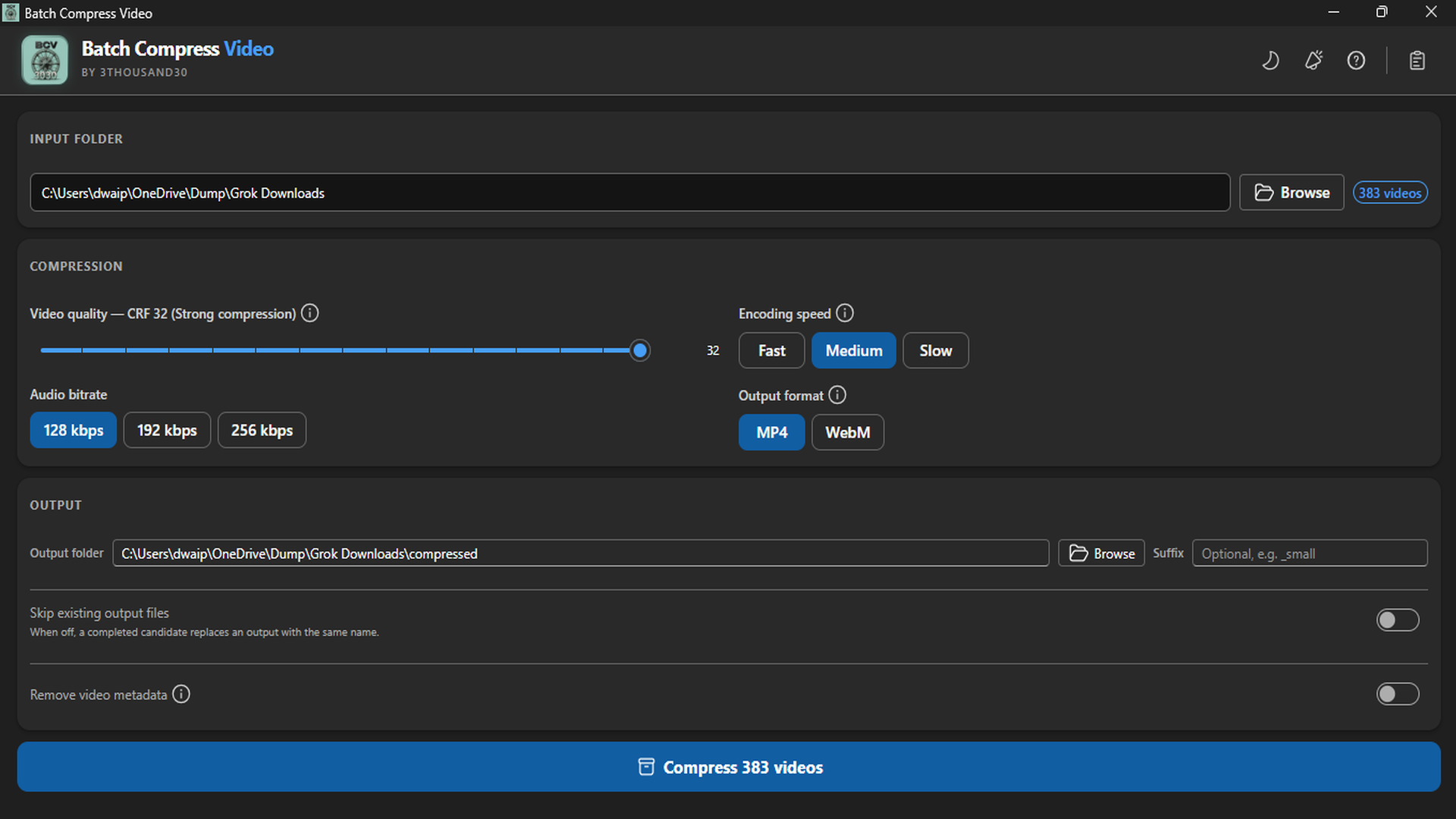
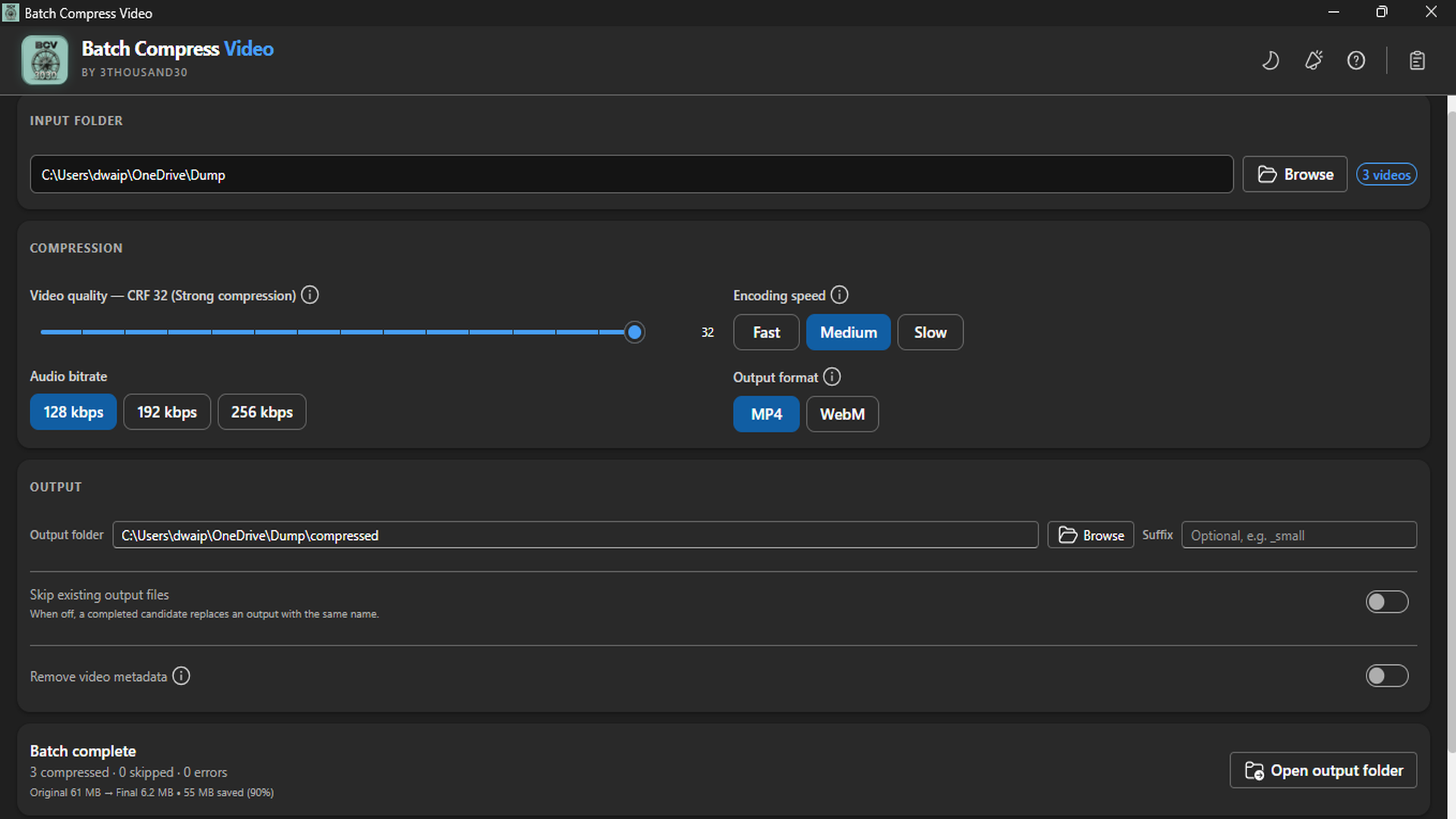
Batch Compress Video turns a folder of videos into smaller delivery copies without uploading the footage or touching the originals. Choose the output format, quality, encoding speed, audio bitrate, and destination, then review the measured result.
what_it_does
Compress a whole folder of common video files in one batch
Create broadly compatible H.264/AAC MP4 or web-focused VP9/Opus WebM output
Tune CRF quality, encoding speed, and audio bitrate for the intended delivery
Choose a separate output folder and add a filename suffix
Skip existing outputs when a previous run has already created them
Optionally remove metadata and chapters from the new video copies
See original size, final size, and total space saved when the batch finishes
inside_the_app
who_it_is_for
privacy_and_control
Video decoding, re-encoding, metadata removal, and output creation run on the PC with the bundled FFmpeg engine. Source videos are not uploaded to a 3thousand30 service.
use_it_for
Video & file workflows
Create smaller, reviewed MP4 or WebM copies from a video folder while keeping the source footage untouched and local.
Social & video production
Turn one approved video set into vertical, square, and landscape delivery copies, with optional ownership marks and smaller sharing files, without recreating the workflow for every clip.
faq
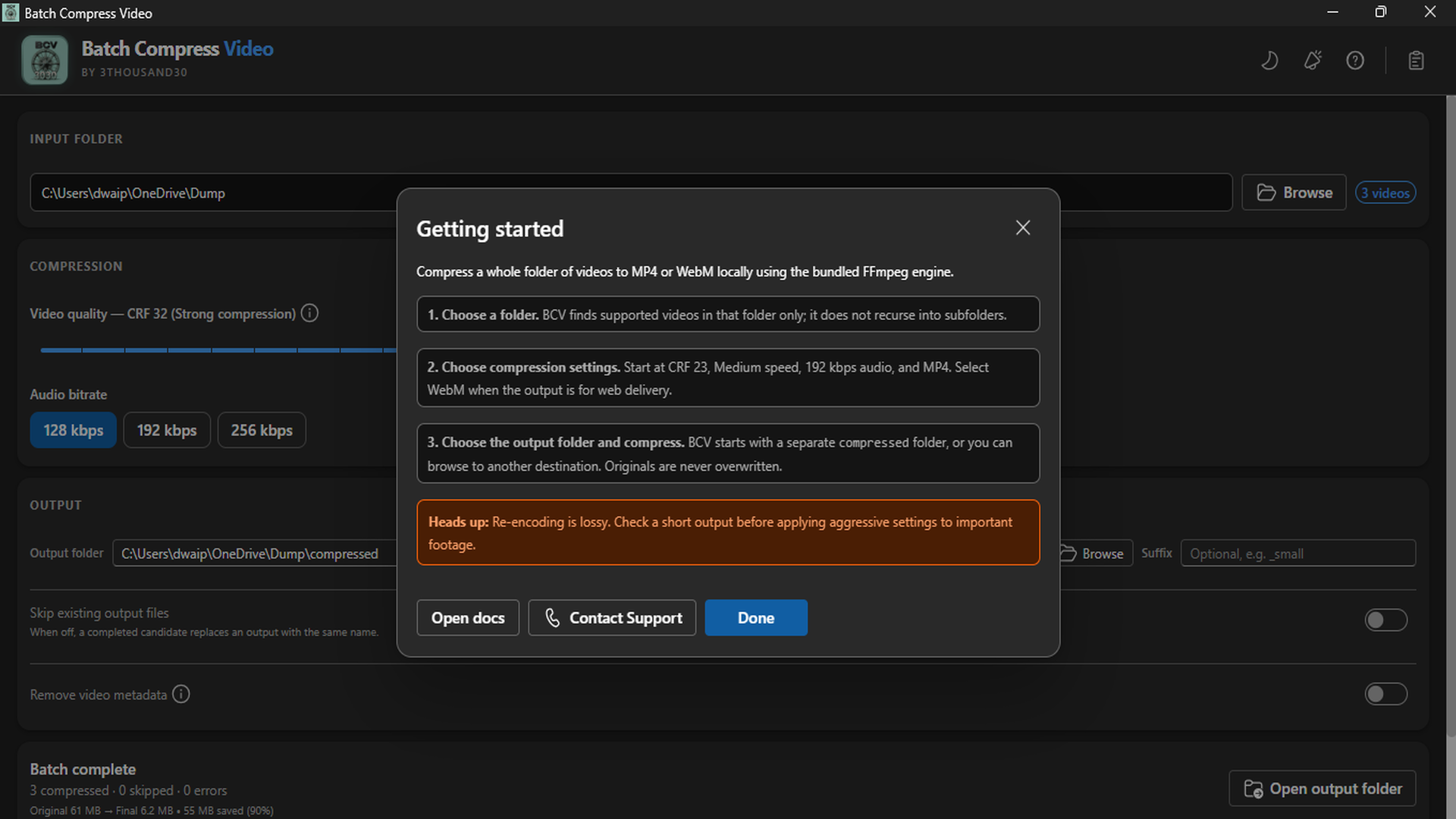
No. Choose a separate destination folder for the compressed copies; the source files stay untouched.
Choose MP4 for broad playback compatibility. Choose WebM when web-focused VP9/Opus delivery is the better fit for the destination.
No. Re-encoding is lossy, so test a representative output and check the picture and audio before processing an important complete folder.
ready_when_you_are
US Store price: $7.49 (-25%), normally $9.99. Regional pricing may differ.
related_products

Local utility
A fully local Windows batch image compressor with quality controls, before-and-after comparison, and clean output folders.

Local utility
A local Windows batch image resizer with platform presets, crop controls, live preview, and predictable folder output.

Local utility
A local Windows file organiser with type/date sorting, hash-based duplicate detection, complete previews, and undo for the last operation.
 tool
tool